
 01
Enlarge
01
Enlarge
Dolibarr v20 to v23
KSIDol module with 1 year of updates
1 year of updates included
Dolibarr GED QR Mobile module — your documents on any smartphone
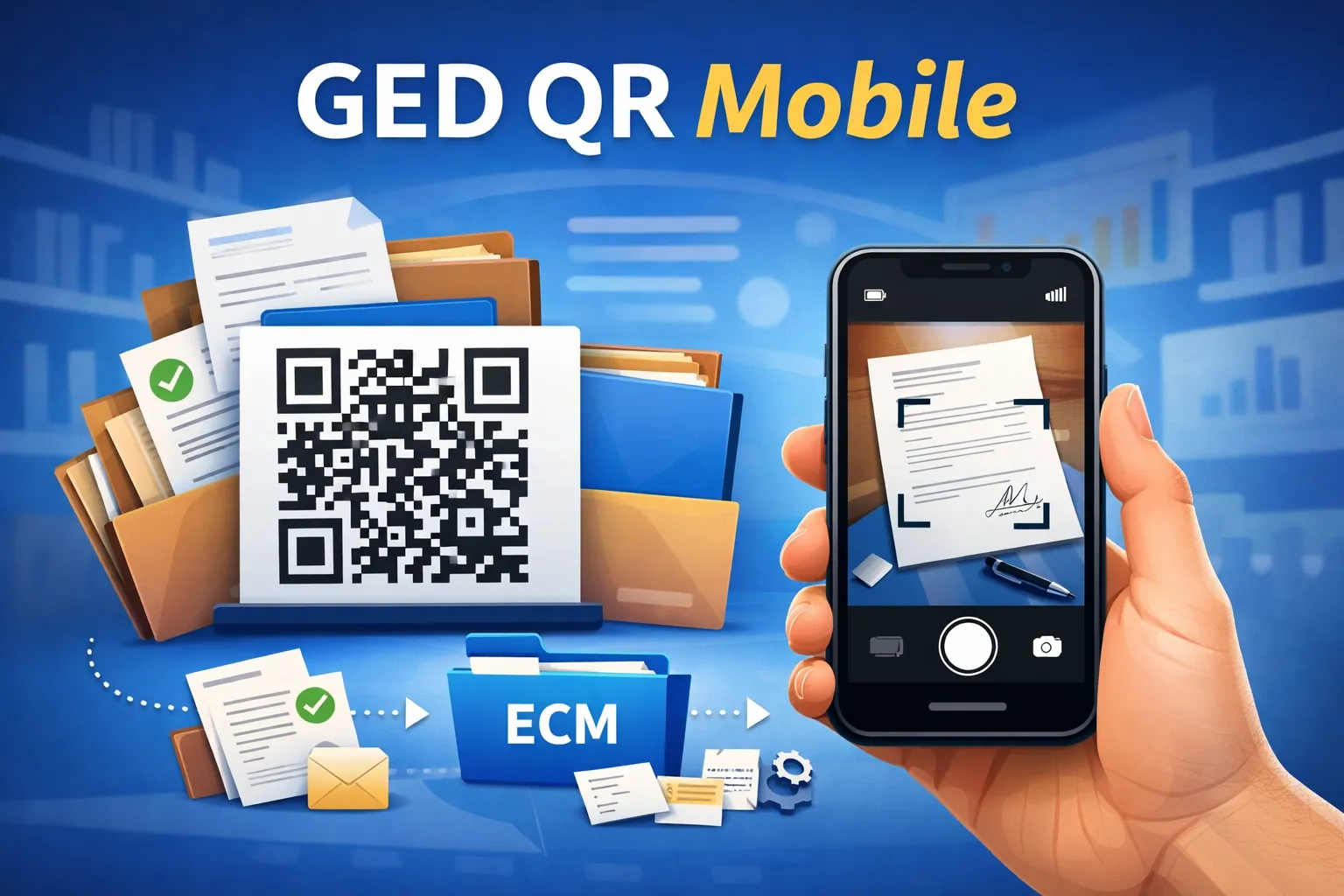
Dolibarr GED QR Mobile module: open documents from a smartphone or tablet via a QR code, capture photos and receipts in the field, all filed automatically in Dolibarr's native document management.
Installation, configuration and technical support are available separately.
Module gallery
Screenshots and module previews
01
Enlarge
Functional details
Dolibarr document management, finally mobile
The GED QR Mobile module extends Dolibarr's electronic document management right into your team's pocket. A simple QR code — on a file, a machine, a vehicle, a binder or a label — instantly opens the right Dolibarr record and its attachments, on a smartphone or tablet, with no digging through folders and no computer to switch on.
It bridges the paper world and your digital management: whatever is filed in Dolibarr becomes viewable and, above all, enrichable on the move, exactly when your teams need it on site.
Scan, view, add — in seconds
- Direct QR access: any Dolibarr object (third party, product, order, invoice, intervention…) can carry a QR code. Scanning it opens its record and every document straight away.
- No app to install: documents display cleanly on a touch screen, right in the phone's browser — nothing to set up on the device.
- Add documents on site: a photo, a signed slip or a receipt is captured from mobile and filed at once in the document library, attached to the right object.
- Always readable: crooked photos are cropped and re-oriented automatically before saving.
Real everyday uses
- A technician scans a machine's QR code and instantly finds its history, diagrams and latest reports.
- A driver photographs the signed delivery note: it is filed automatically on the matching order, with proof attached.
- A workshop manager adds a photo of observed damage straight onto the customer file, without going back to the office.
- In stock-taking or logistics, a QR code on the shelf or parcel opens the product record and its documentation.
Built into Dolibarr, no double entry
The module relies entirely on Dolibarr's native document management: files stay in the standard tree, attached to their objects. No parallel database, no synchronisation to watch, no duplicates. Dolibarr remains your single, reliable source of truth for documents.
Compatibility and setup
The module targets Dolibarr 24 and installs as an external module, with no core changes. Once enabled, QR code generation and mobile access are available from the relevant records, and your teams can start scanning on day one.
Need a standalone module, a SaaS instance or a complete solution?
KSIDol can sell the module, host it inside a Dolibarr instance and extend everything with custom development, support, document customization and email or SMS workflows.
