
 01
Enlarge
01
Enlarge
Dolibarr v22 to v23
KSIDol module with 1 year of updates
1 year of updates included
Modern Template | Dolibarr full-screen theme | KSIDol
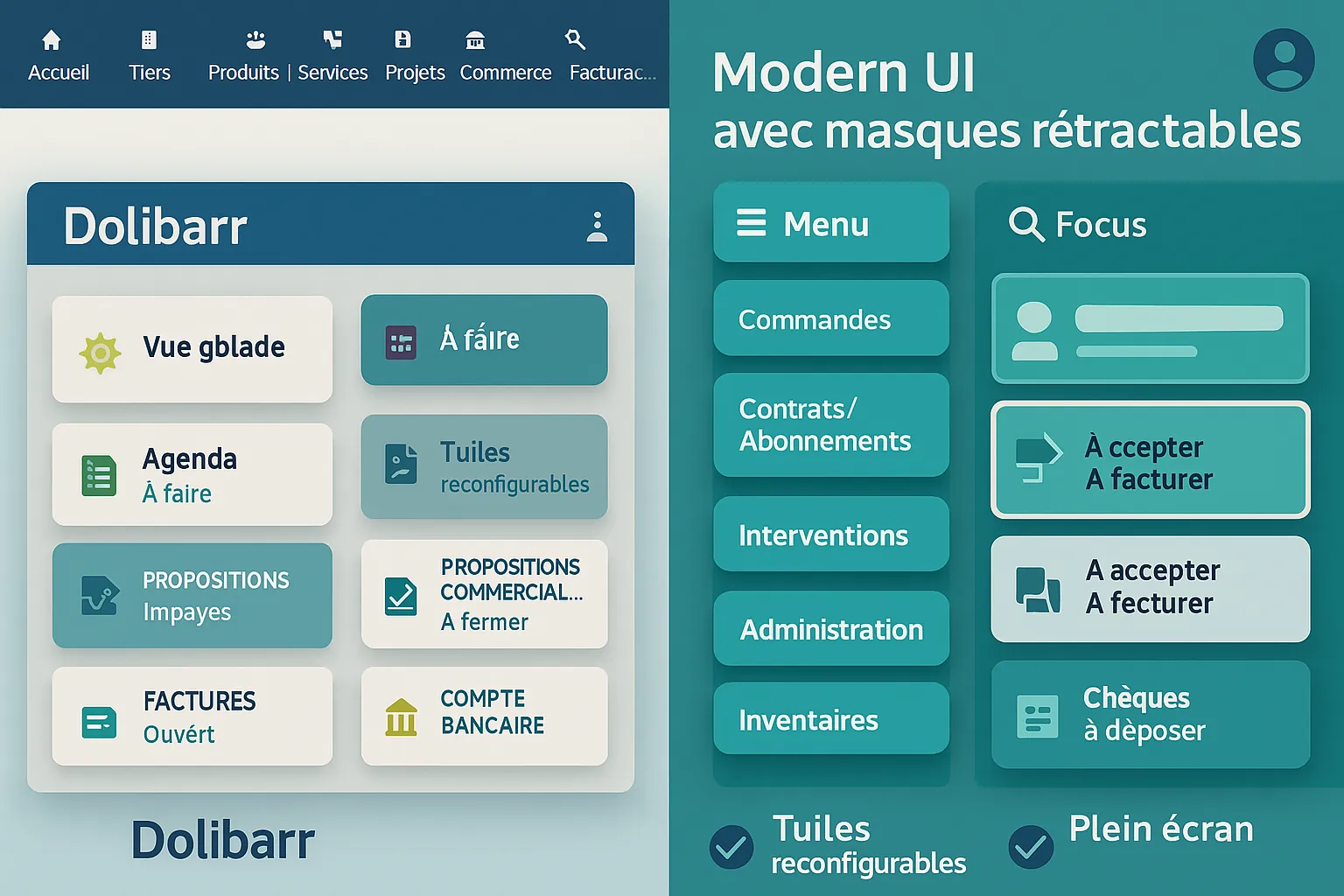
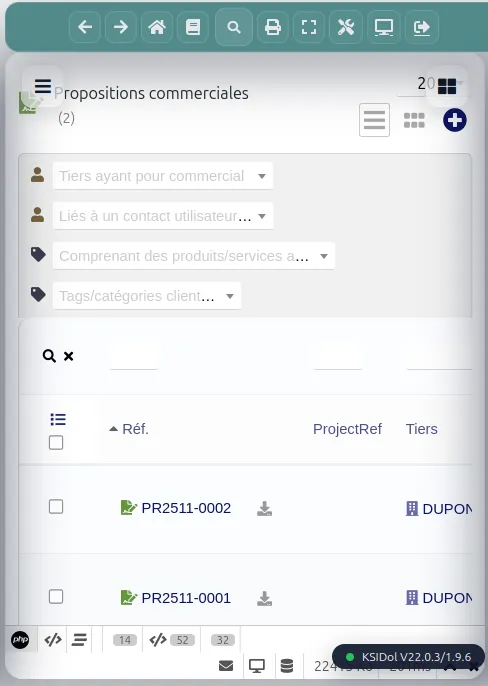
Modern Template adds a full-screen shell over Dolibarr: compact toolbar, draggable tiles, synchronized sub-menus, smart search and auto login redirect.
Installation, configuration and technical support are available separately.
Please note: this module requires specific configuration after installation. Plan for this setup, or let KSIDol handle it.
Module gallery
Screenshots and module previews
01
Enlarge
 02
Enlarge
02
Enlarge
 03
Enlarge
03
Enlarge
 04
Enlarge
04
Enlarge
 05
Enlarge
05
Enlarge
 06
Enlarge
06
Enlarge
 07
Enlarge
07
Enlarge
 08
Enlarge
08
Enlarge
 09
Enlarge
09
Enlarge
 10
Enlarge
10
Enlarge
Functional details
ModernTemplate — Modernized interface for Dolibarr
ModernTemplate is a Dolibarr module designed to modernize the user interface and improve daily navigation comfort.
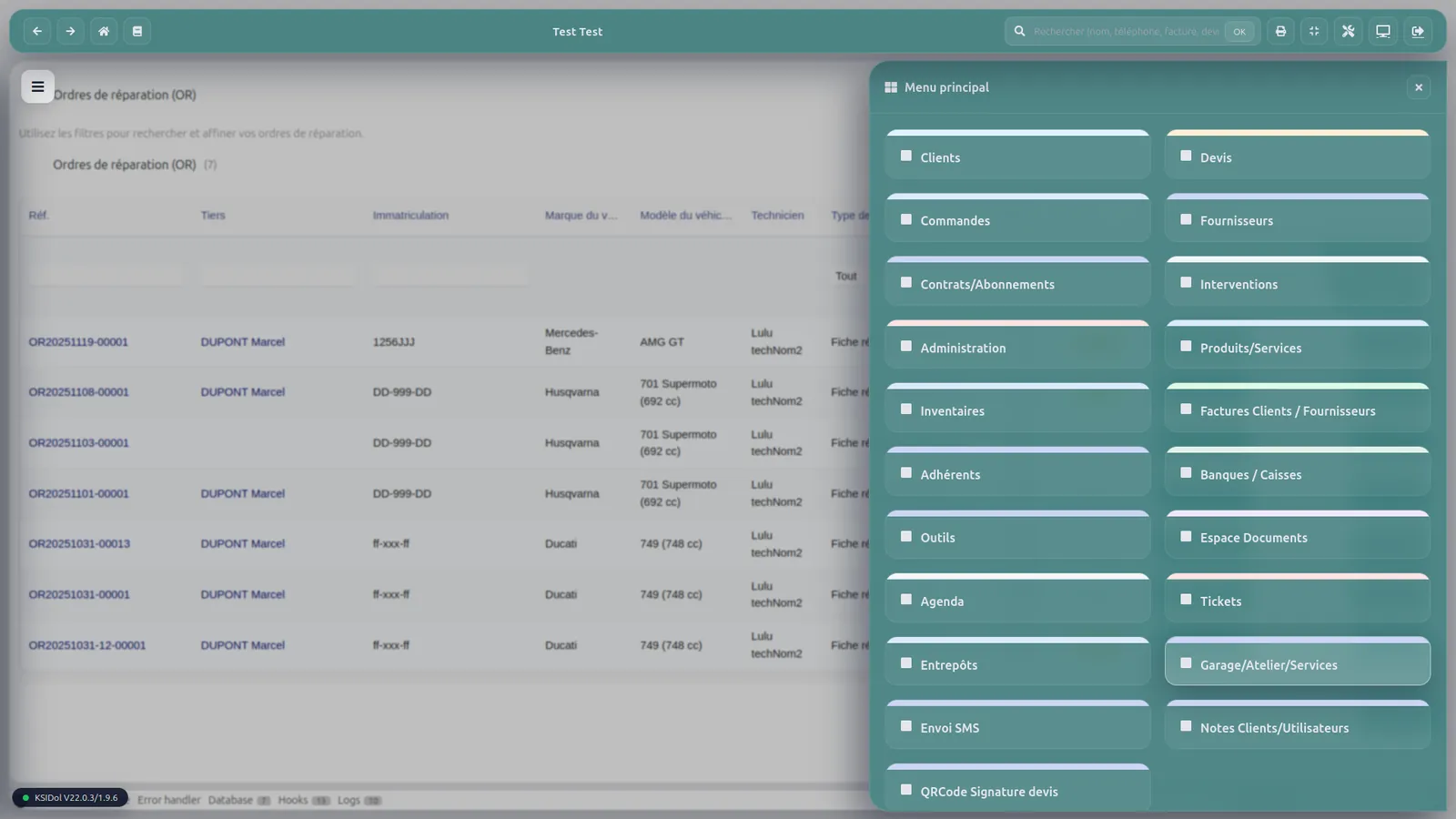
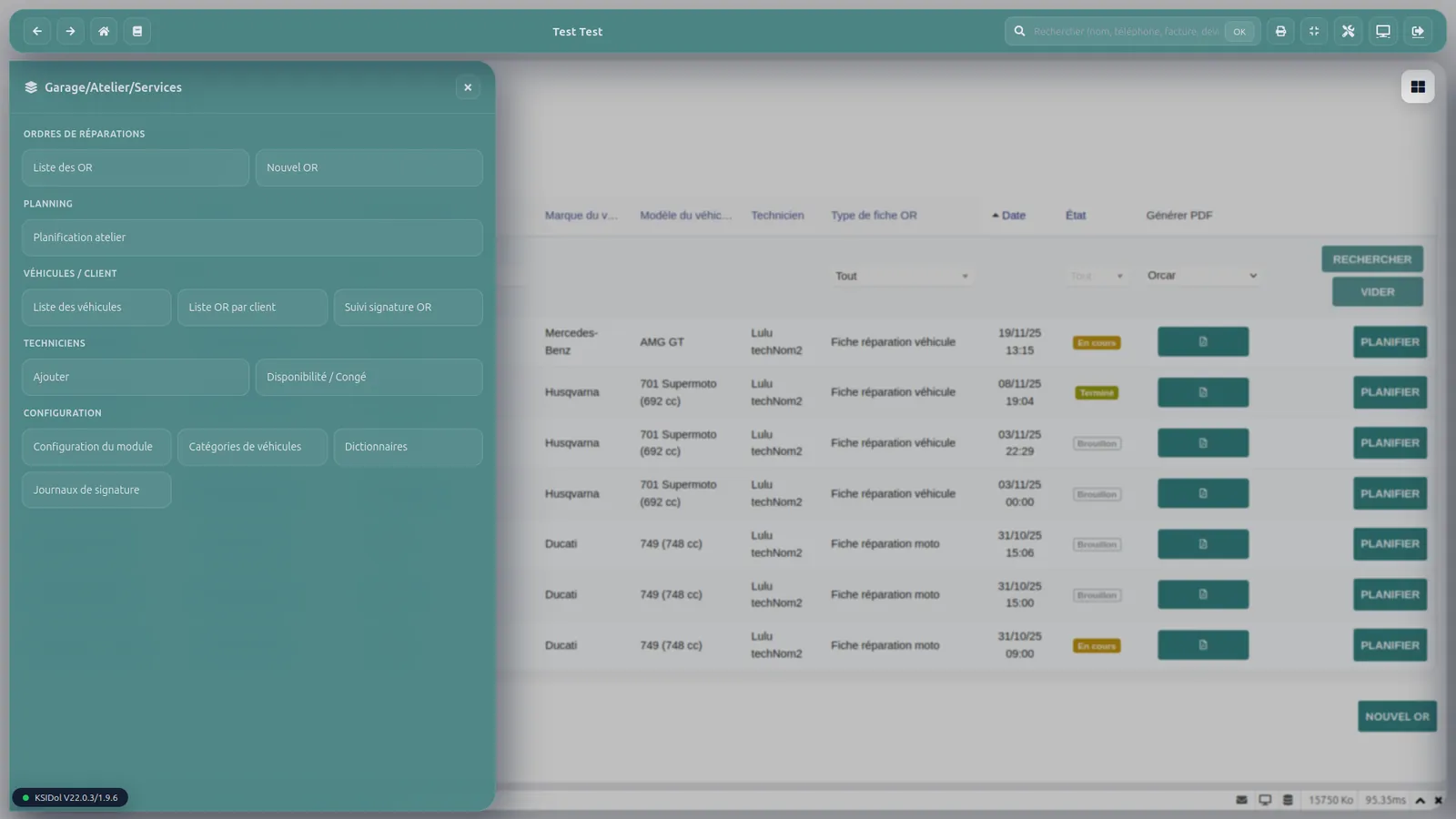
It adds a smoother working environment around Dolibarr with a compact toolbar, configurable tiles, contextual submenus, smart search and graphical customization options.
The module relies on Dolibarr’s native structure: menus, user rights, permissions and existing pages. It improves the user experience without changing Dolibarr’s standard behavior.
Product information
| Section | Item | Details |
|---|---|---|
| Documentation | Wiki EN | https://wiki.dolibarr.org/index.php/Module_Modern_Template_EN |
| License | Type | GPL v3 |
| Compatibility | Dolibarr | V22.x.x and V23.x.x |
| Compatibility | Recommended PHP | PHP 8.1 or higher |
Feature overview
| Feature | Description | Main content |
|---|---|---|
| Modernized interface | Adds a more modern, clearer and more comfortable interface. | Compact toolbar, quick home access, back/forward navigation and optional full-screen mode. |
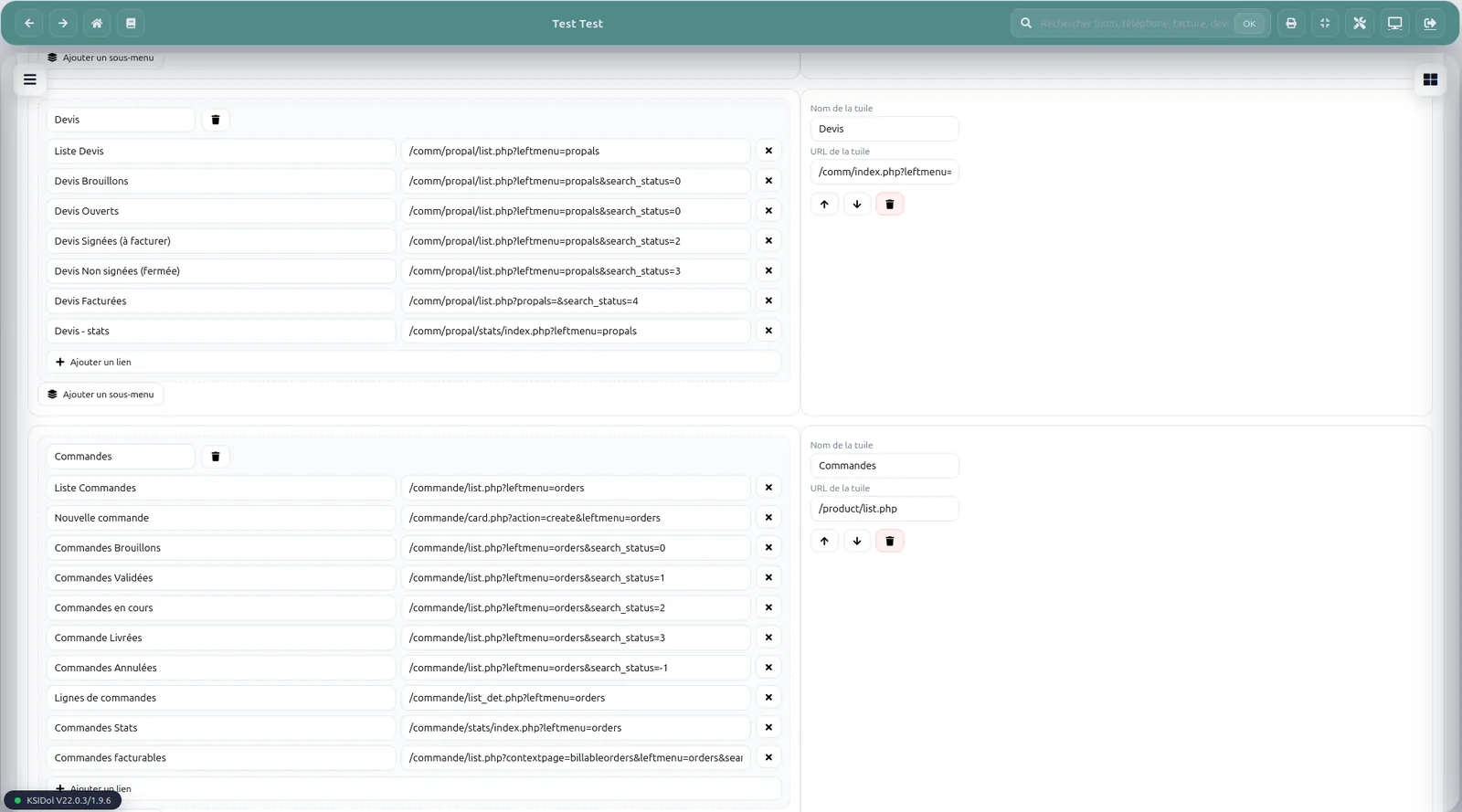
| Tiles and visual shortcuts | Creates visual shortcuts to important Dolibarr pages. | Configurable tiles, reordering, sections and quick links to main modules. |
| Contextual menus | Improves navigation with a contextual submenu panel. | Submenus synchronized with Dolibarr and smoother access to secondary pages. |
| Smart search | Makes it easier to access important information in Dolibarr. | Search for invoices, orders, commercial proposals, products, projects, tickets, third parties and contacts. |
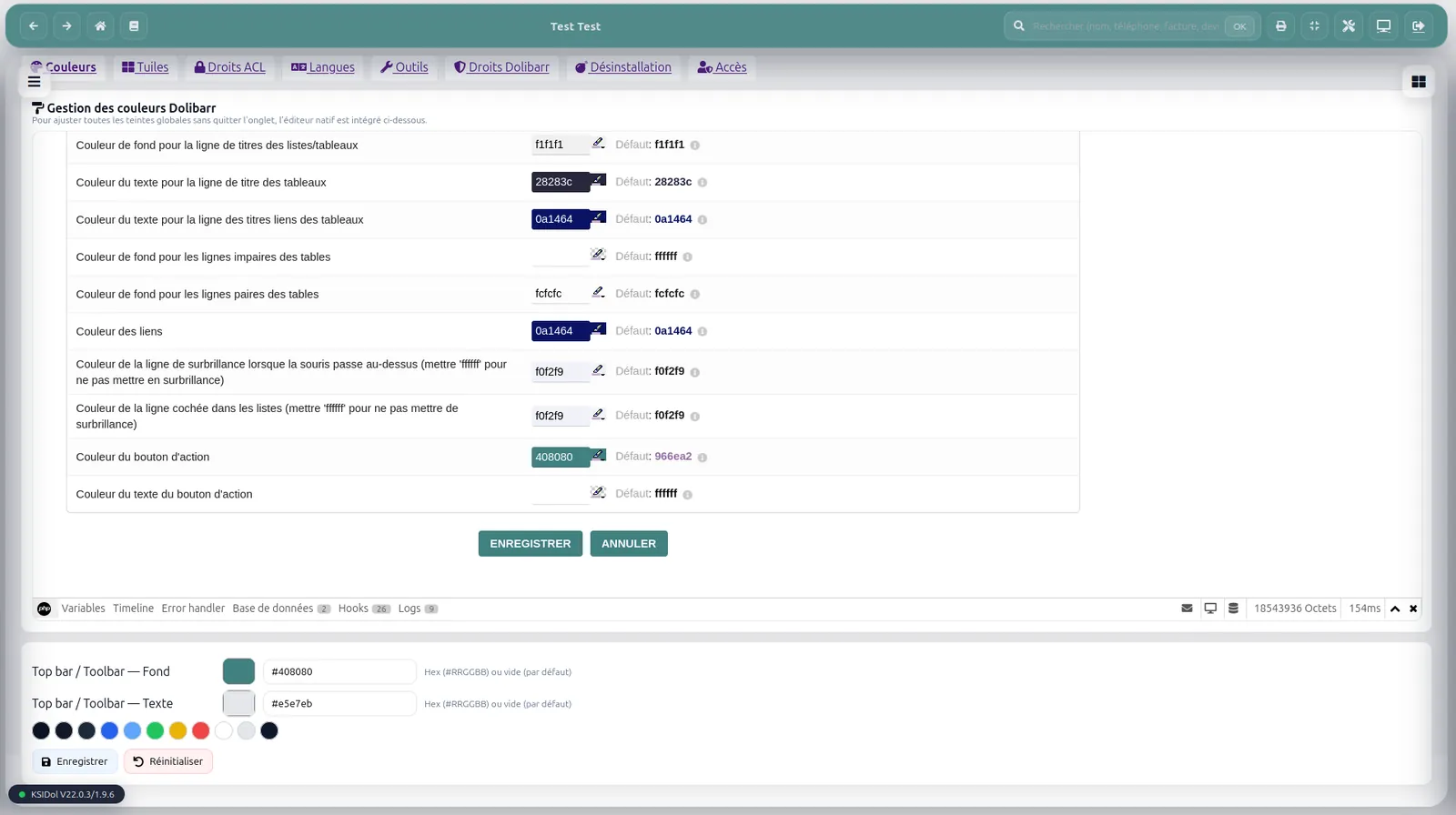
| Graphical customization | Adapts the interface appearance to the company’s visual identity. | Banner, primary color, accent color, tile background and text color. |
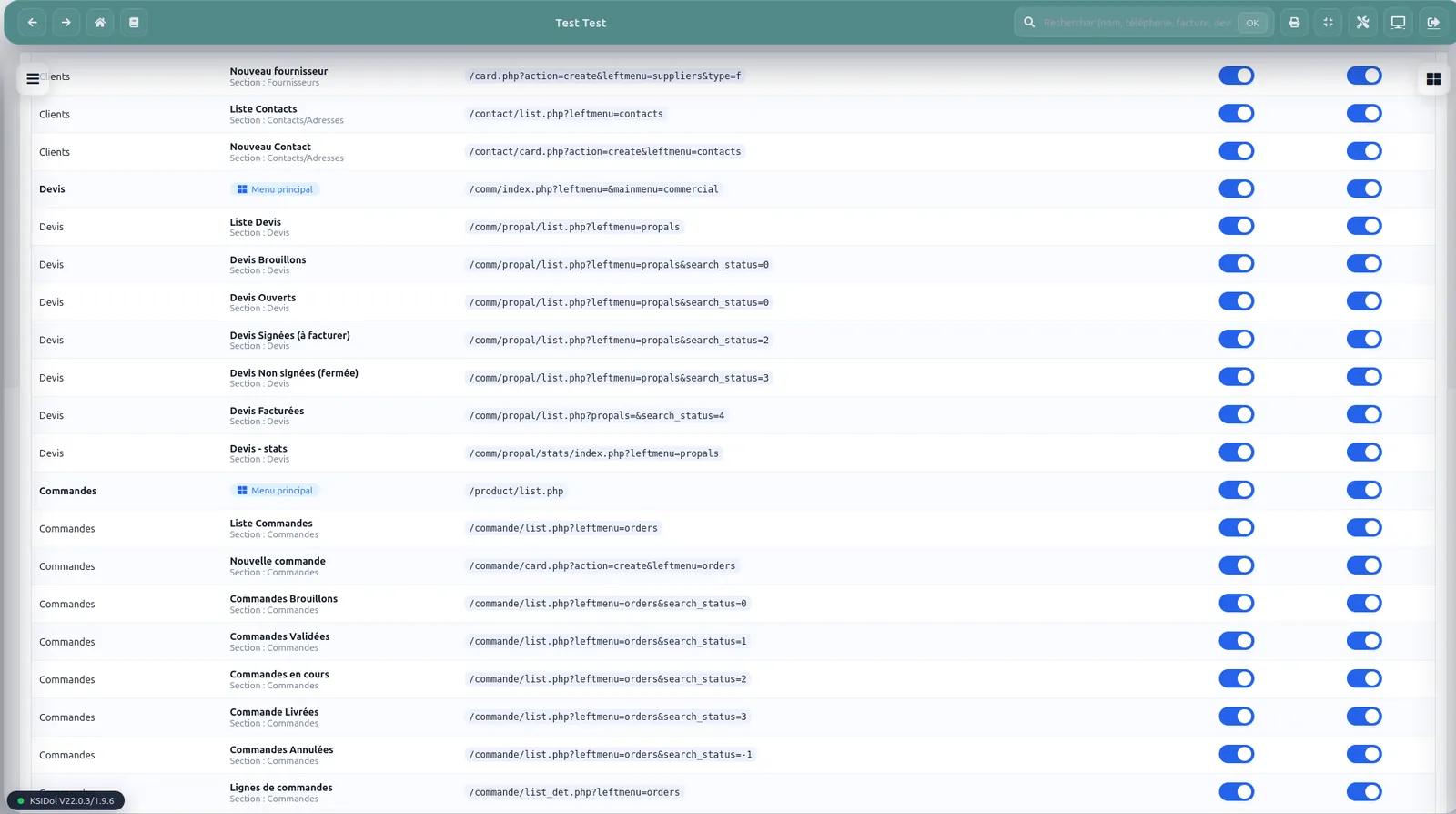
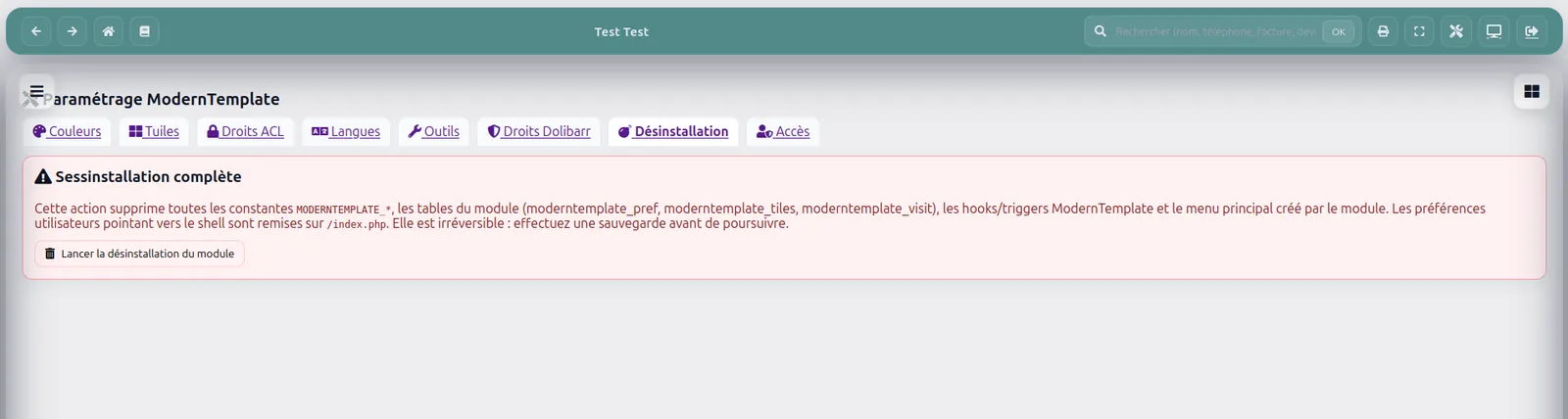
| Administrator settings | Provides a complete configuration area for the module. | Tools, Tiles, Access, Colors, Languages, start page and SQL import/export. |
| Access management | Respects Dolibarr native rights and adapts the display according to users. | Tile visibility, user-based display and respect for Dolibarr permissions. |
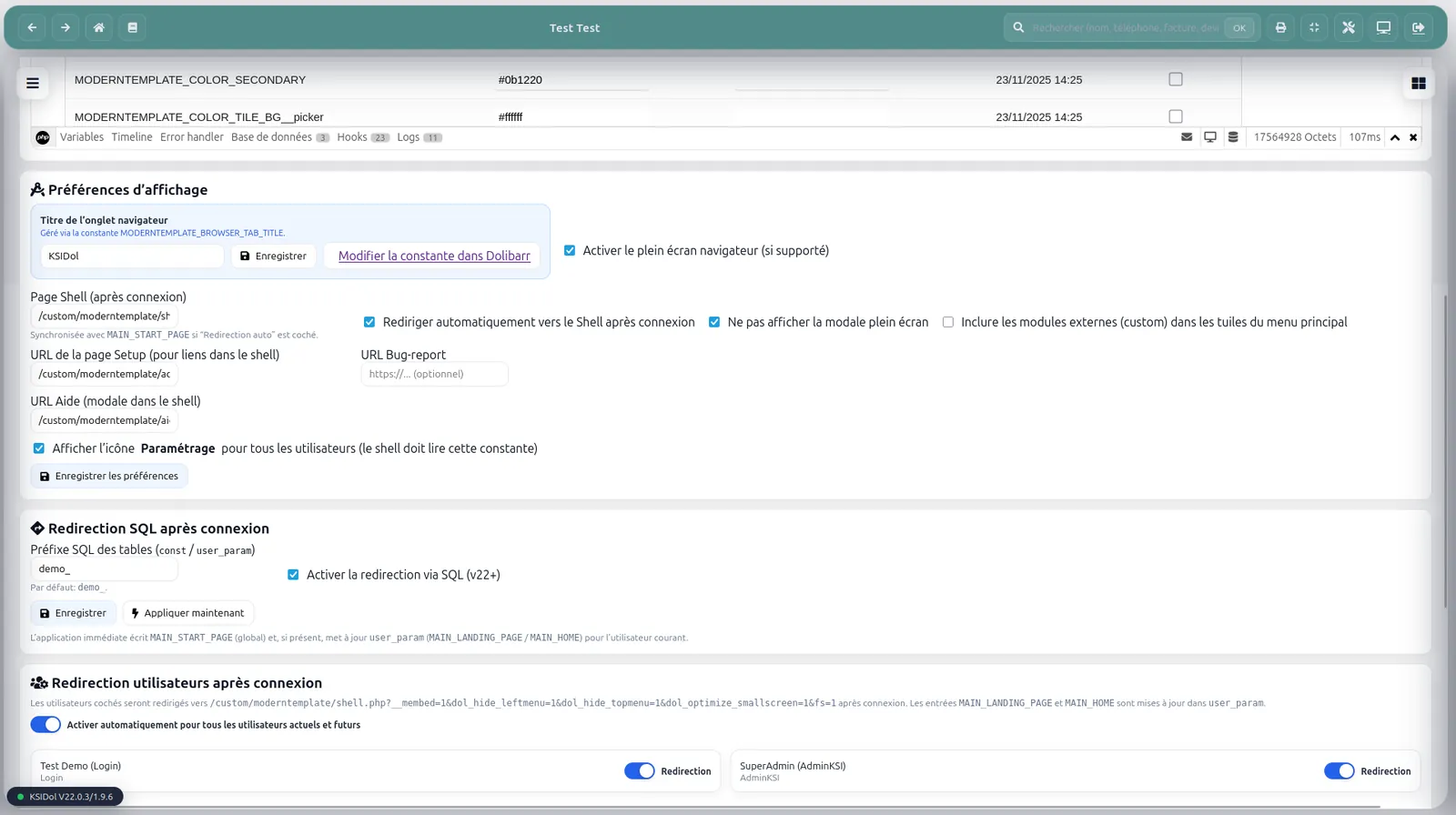
| Login and start page | Improves the user’s first screen after login. | Automatic post-login redirection and configurable start page. |
| Maintenance and evolution | Makes administration, backups and future module updates easier. | Installation/repair, tile backup/restore, migration and light logging. |
Quick configuration
| Tab | Purpose | Available settings |
|---|---|---|
| Tools | General behavior management. | Start page, post-login redirection, full-screen mode and help URL. |
| Tiles | Visual shortcut organization. | Add, reorder, sections, quick links and SQL import/export. |
| Access | User-based display customization. | Visibility of tiles and sections by user. |
| Colors | Graphical customization. | Banner, primary color, accent color, tile background and text color. |
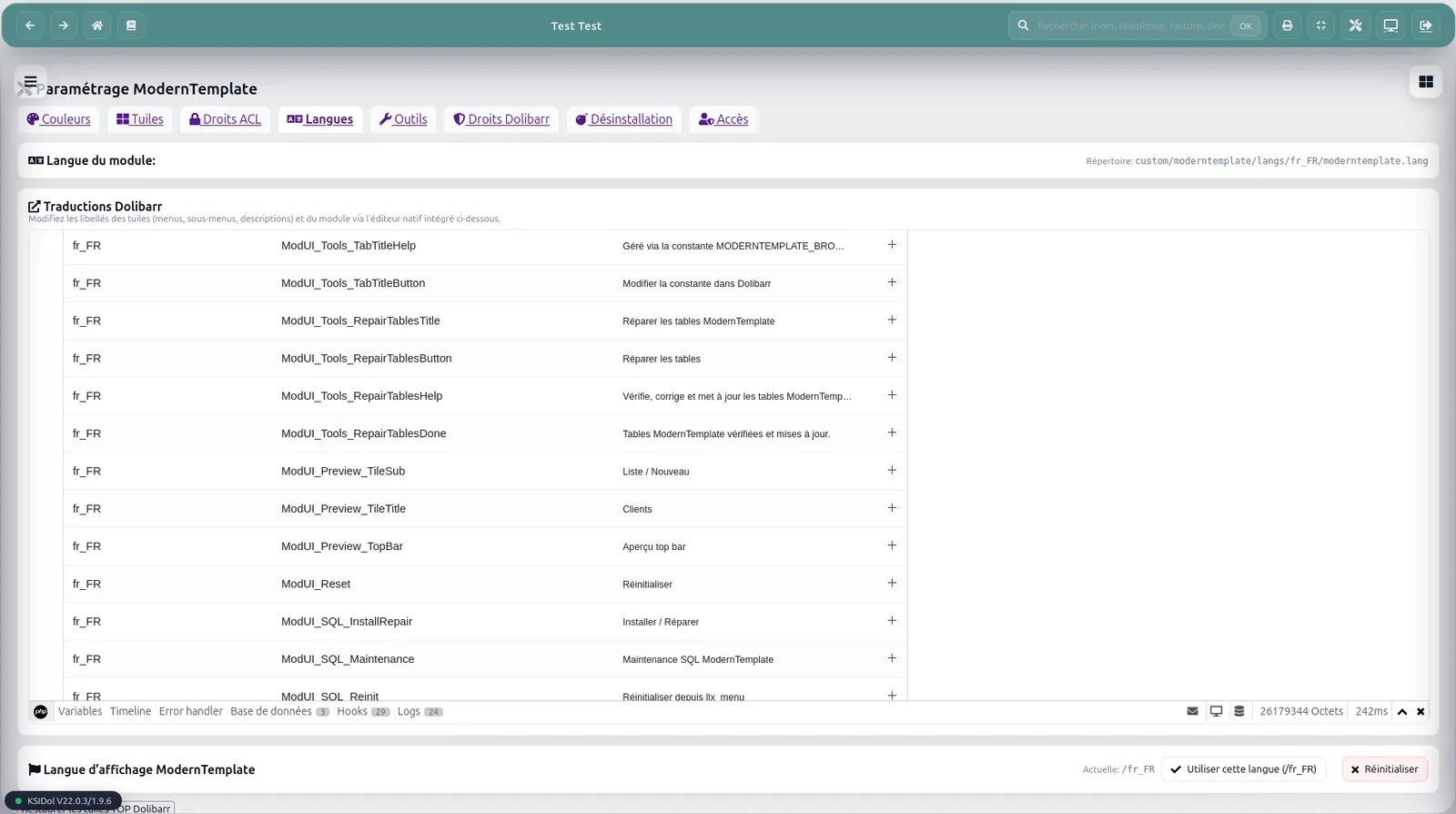
| Languages | Multilingual management. | Labels, translations and language options. |
Compatibility
| Section | Item | Value |
|---|---|---|
| Dolibarr | Compatible versions | V22.x.x and V23.x.x |
| PHP | Recommended version | 8.1 or higher |
| Theme | Optimization | Eldy |
| Dolibarr structure | Integration | Uses Dolibarr native menus, rights and permissions. |
Available languages
| Flag | Language | Availability |
|---|---|---|
| French | Yes | |
| English | Yes | |
| Italian | Yes | |
| German | Yes | |
| Spanish | Yes |
Installation
| Step | Action | Details |
|---|---|---|
| 1 | Download | Download the module archive from Dolistore. |
| 2 | Dolibarr installation | In Dolibarr, go to Home > Setup > Modules/Applications. |
| 3 | External module | Use the external module installer and select the ZIP archive. |
| 4 | Activation | Enable the ModernTemplate module in the modules list. |
| 5 | Configuration | Open the module setup page to adjust the settings. |
| Option | Manual installation | Place the folder in htdocs/custom/moderntemplate/. |
After installation or update, it is recommended to clear the Dolibarr cache and log in again to refresh the interface properly.
Maintenance
| Function | Purpose | Details |
|---|---|---|
| Dedicated configuration | Module administration | A dedicated setup page allows management of the main settings. |
| Installation / repair | Required element control | Creation or update of the tables required for the module to work. |
| Tile backup | Configuration protection | Backup and restore of tiles from the configuration interface. |
| Migration | Evolution from ModernUI | Possible migration from some ModernUI configurations to ModernTemplate. |
Technical information
| Section | Item | Details |
|---|---|---|
| Directory | Module path | /custom/moderntemplate/ |
| Database | Main tables | llx_moderntemplate_pref and llx_moderntemplate_tiles |
| Hooks | Used hooks | toprightmenu, menuTop, menuLeft, login, global |
| Security | Protection | Sensitive actions are protected by CSRF token and Dolibarr permissions are respected. |
Support
Version notes
| Version | Date | Compatibility |
|---|---|---|
| 22.23.5 | 2026-04-16 | Dolibarr V22.x.x and V23.x.x |
Improvement details
| Type | Related area | Description |
|---|---|---|
| Fix | Setup page | Fixed setup page navigation. The Colors, Tiles, ACL, Languages and Tools tabs now remain correctly accessible. |
| Improvement | Shell navigation | Improved handling of menu and submenu links using absolute URLs. |
| Compatibility | Legacy URLs | Improved compatibility with some legacy malformed URLs to avoid unwanted redirects to the Dolibarr home page. |
| Hardening | URL normalization | Strengthened URL normalization by removing technical shell parameters while preserving useful paths and query strings. |
Need a standalone module, a SaaS instance or a complete solution?
KSIDol can sell the module, host it inside a Dolibarr instance and extend everything with custom development, support, document customization and email or SMS workflows.
