
 01
Enlarge
01
Enlarge
Dolibarr v19+
KSIDol module with 1 year of updates
1 year of updates included
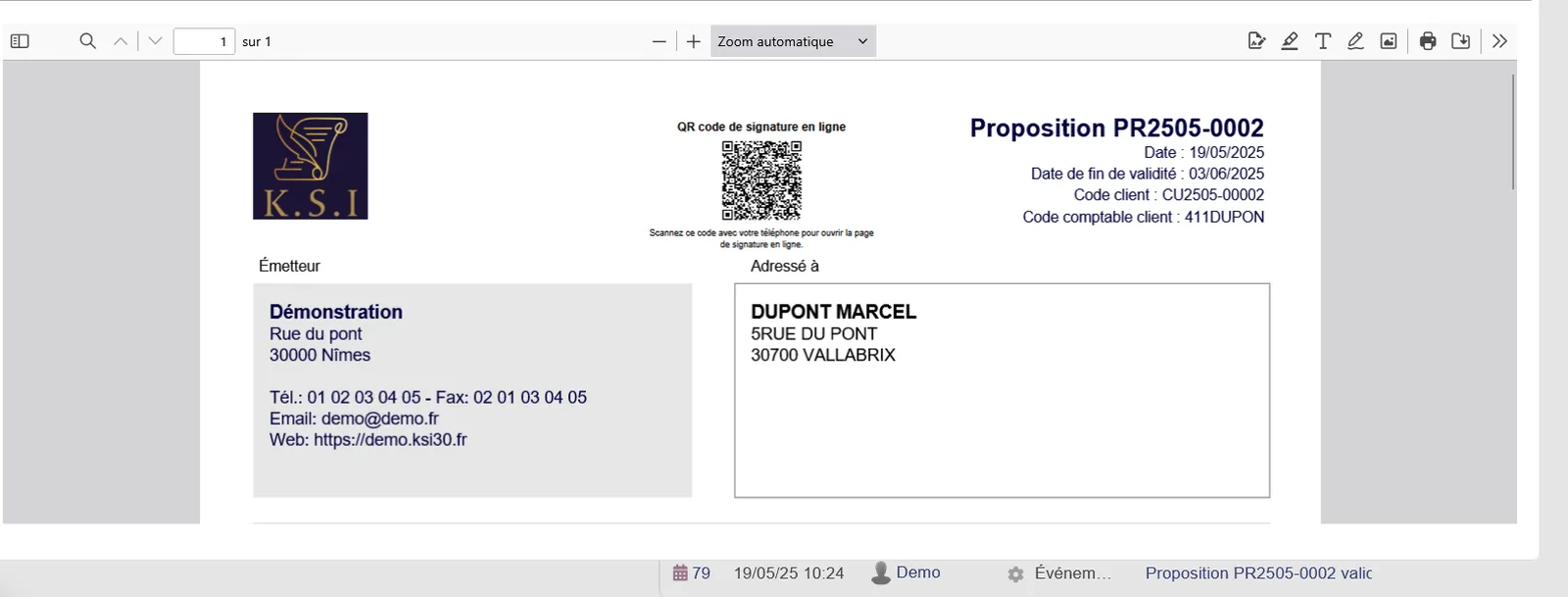
Proposal QR Code Signature - QR Code Signature Link
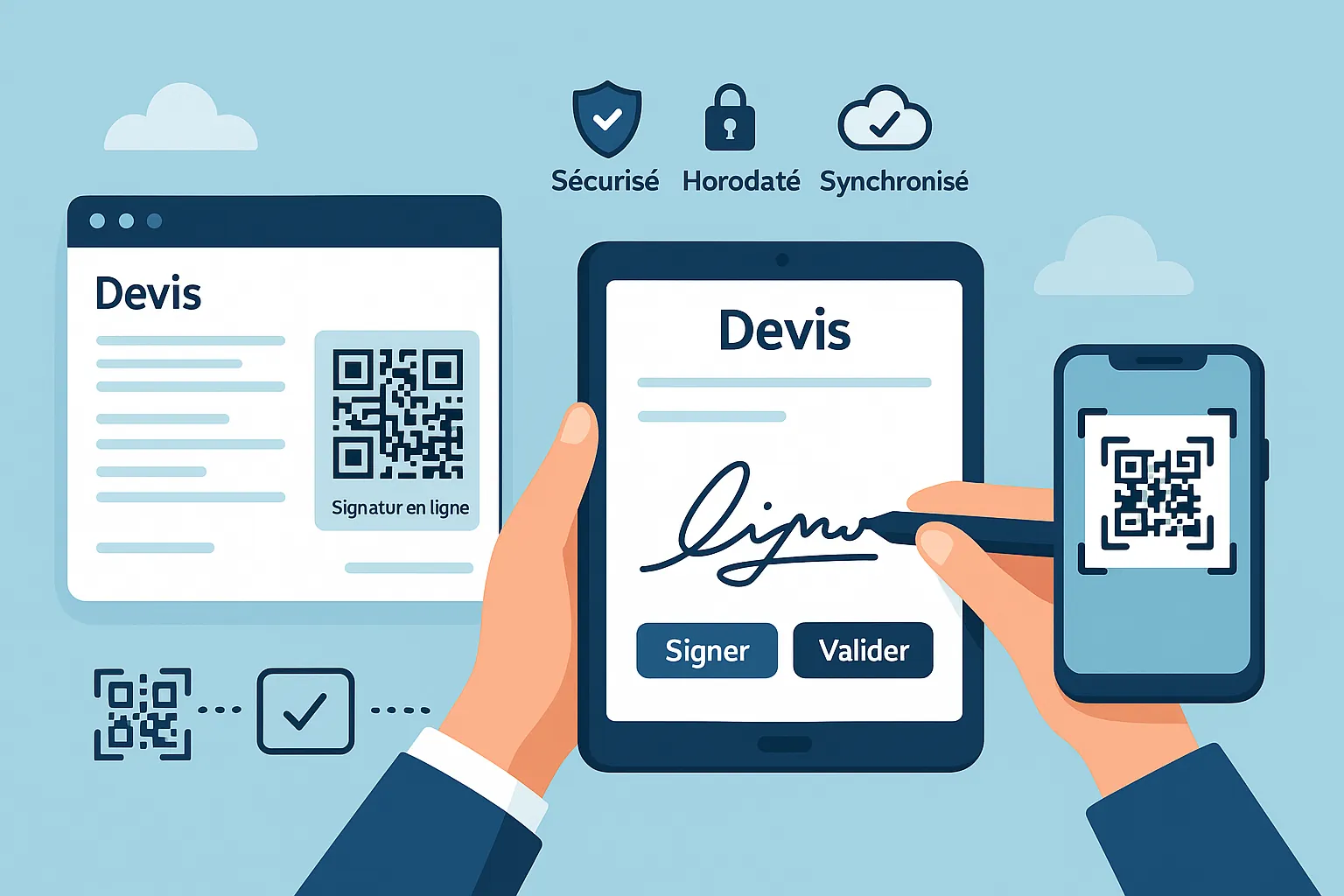
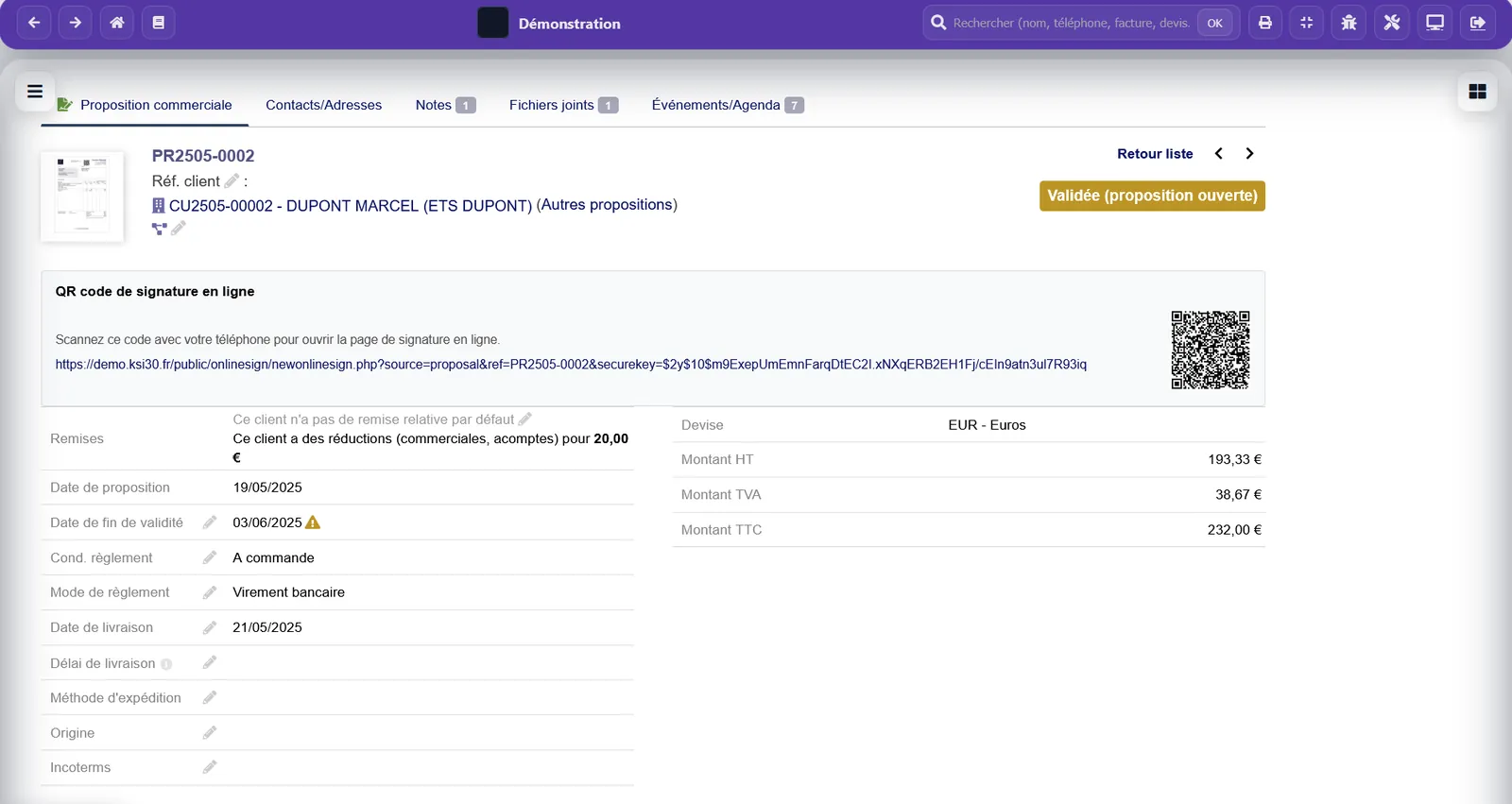
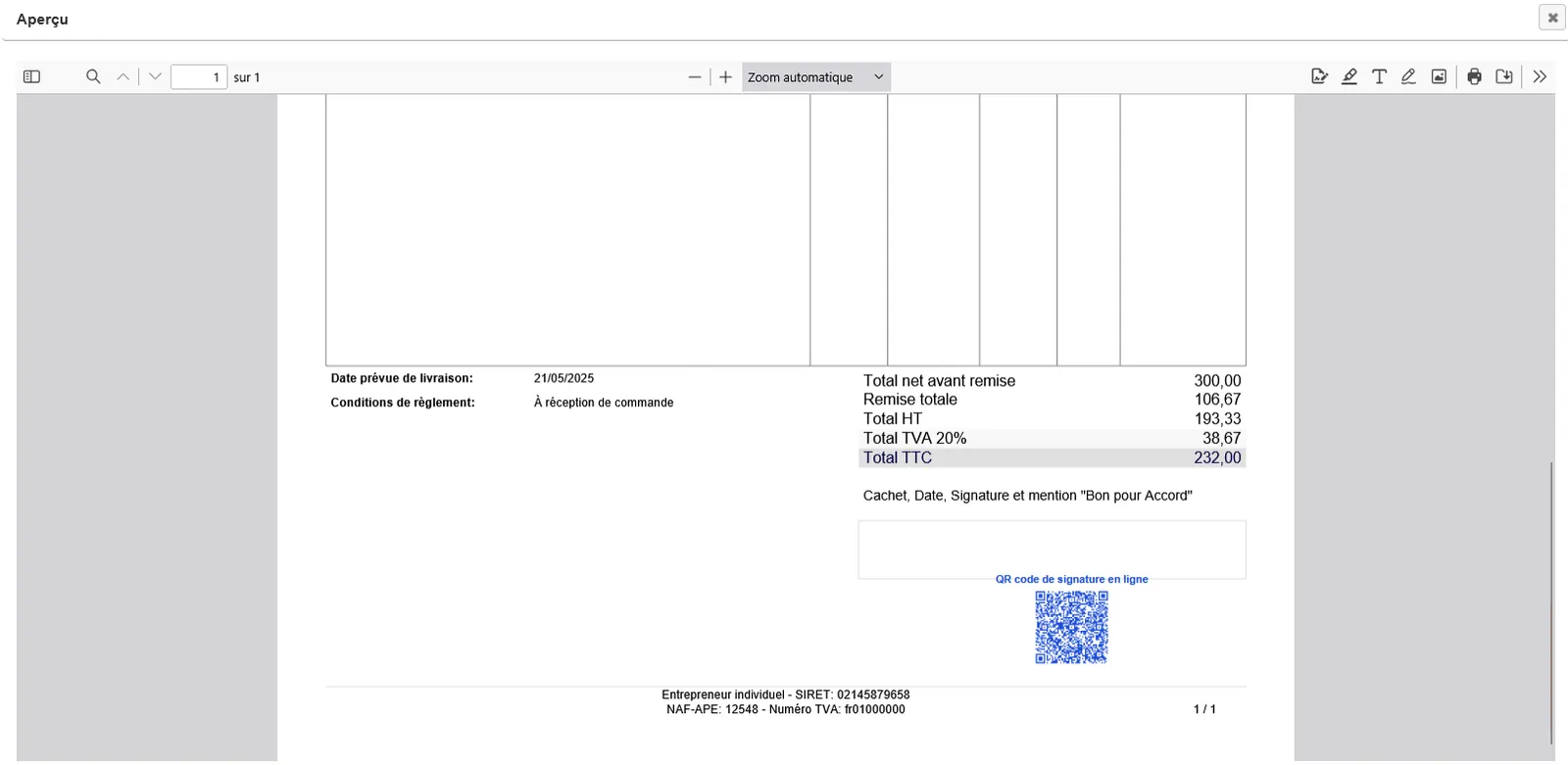
Adds a QR Code pointing to the electronic signature link on proposals (PDF).
Installation, configuration and technical support are available separately.
KSIDol
Discover the KSIDol signature terminal
Compatible KSIDol signature terminal
For certain field uses, KSIDol can complement this module with an accessory kit for a signature terminal, supplied unassembled and intended to be assembled by the customer with compatible hardware. It can support customer validation workflows such as signing a quotation, a repair order, an intervention or a compatible business document.
Module gallery
Screenshots and module previews
01
Enlarge
 02
Enlarge
02
Enlarge
 03
Enlarge
03
Enlarge
 04
Enlarge
04
Enlarge
 05
Enlarge
05
Enlarge
Functional details
Propal QR Code Signature
Wiki => https://wiki.dolibarr.org/index.php/Devis_QRCode_signature_EN
Adds a QR Code pointing to the electronic signature link on proposals (PDF).
Installation
- Copy the propalqr folder into htdocs/custom/.
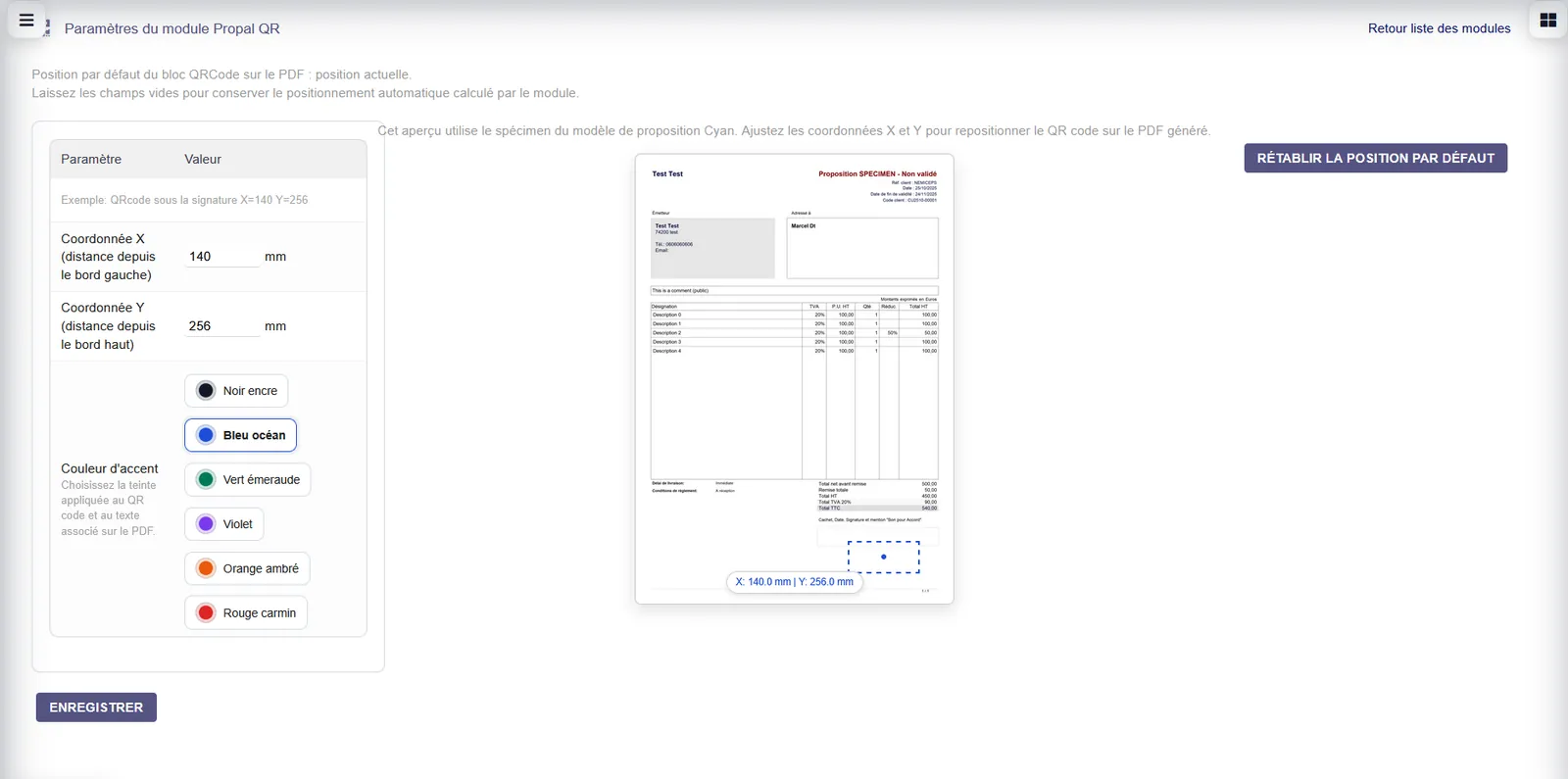
- Go to Setup → Modules/Applications and enable Propal QR Signature.
Configuration
- Enable online signature on proposals if needed.
- Generate proposal PDFs as usual: the QR code will be added automatically.
Usage
- The QR code points to the proposal’s public signature URL.
- Recipients can scan it to open the signature page directly.
Dependencies
PHP QR Code library (bundled).
Need a standalone module, a SaaS instance or a complete solution?
KSIDol can sell the module, host it inside a Dolibarr instance and extend everything with custom development, support, document customization and email or SMS workflows.
