
 01
Enlarge
01
Enlarge
Dolibarr v21+
KSIDol module with 1 year of updates
1 year of updates included
Pack Products Services — Product & Service Packs for Dolibarr
Product & Service Packs for Dolibarr
Installation, configuration and technical support are available separately.
Module gallery
Screenshots and module previews
01
Enlarge
 02
Enlarge
02
Enlarge
 03
Enlarge
03
Enlarge
 04
Enlarge
04
Enlarge
Functional details
PackProductsServices — Product and service packs for Dolibarr
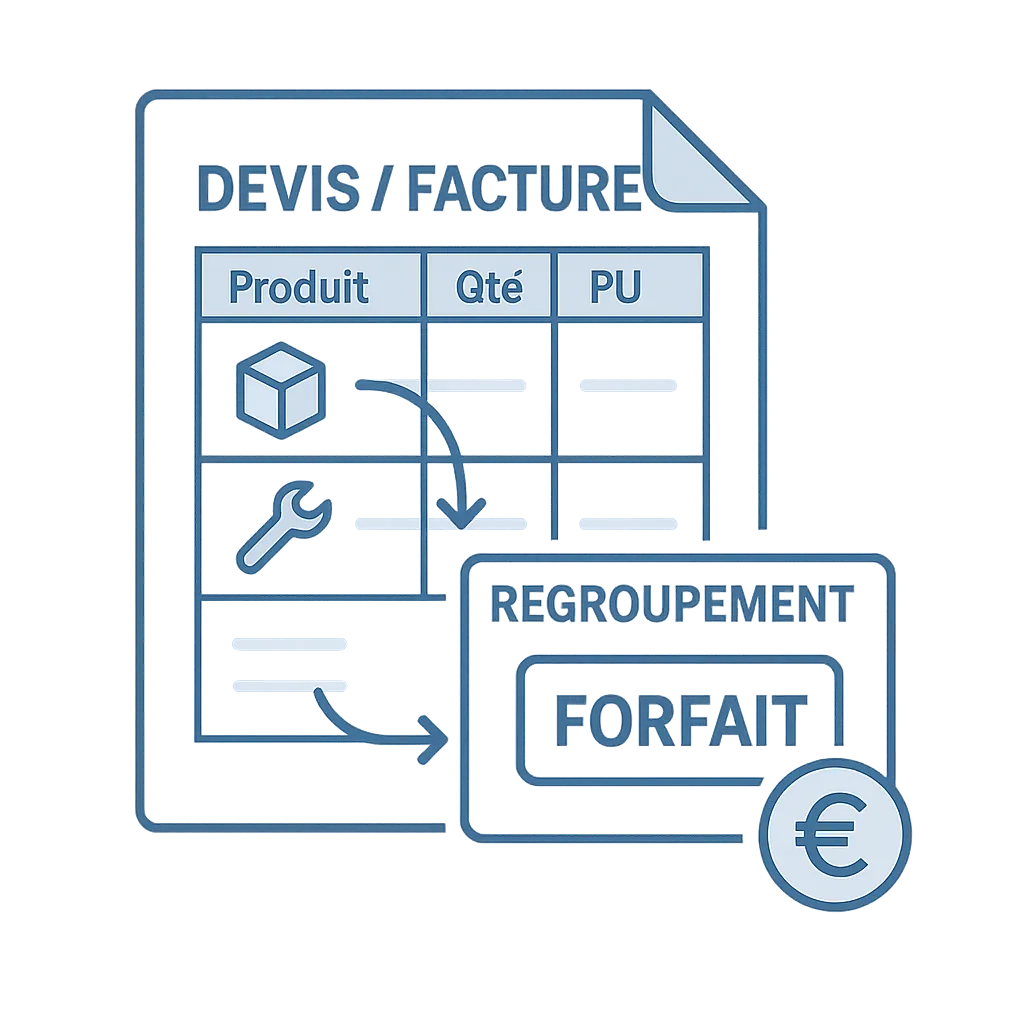
PackProductsServices is a Dolibarr module designed to create, manage and insert packs made of products and services into Dolibarr commercial documents.
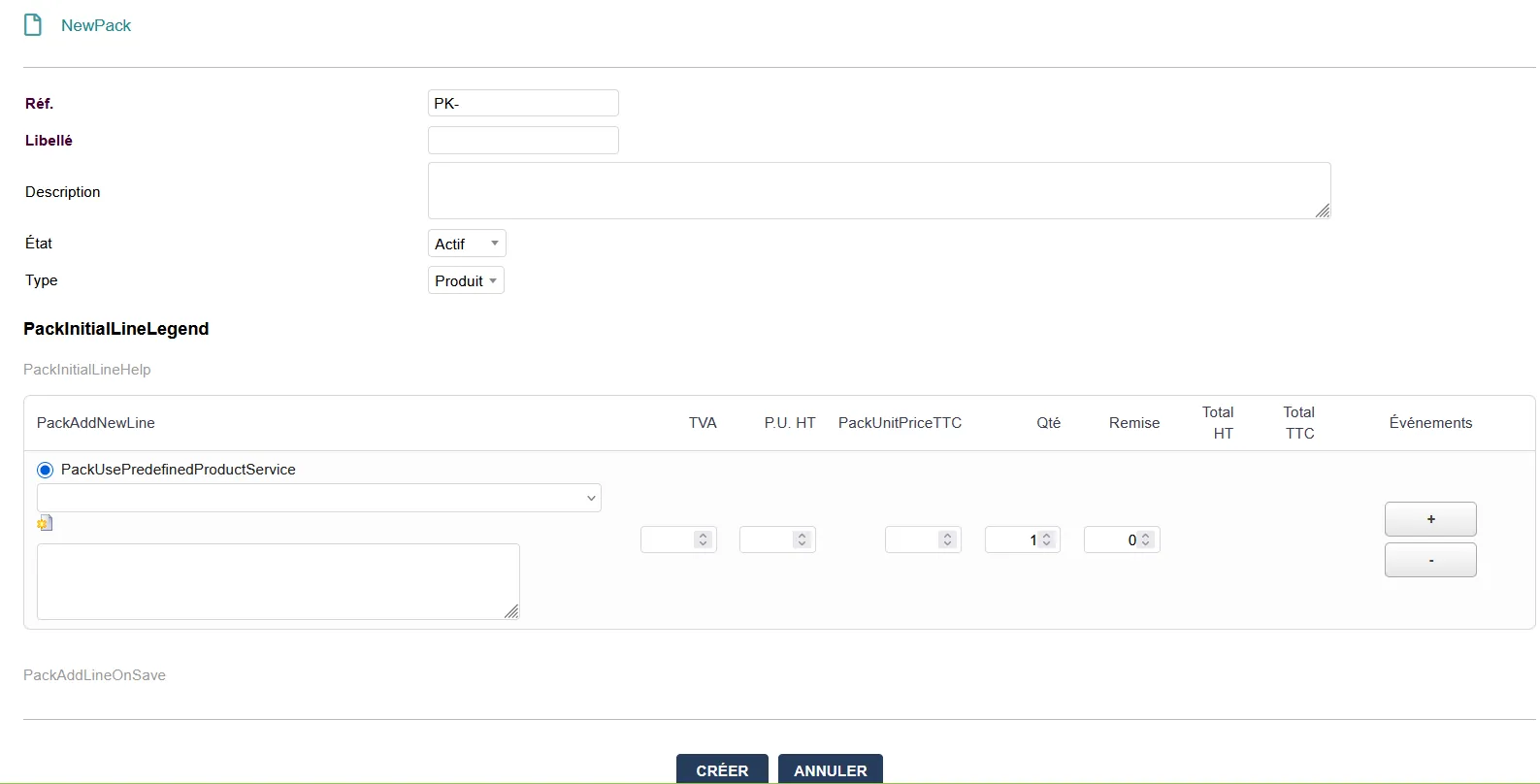
The module allows you to group several components into a pack identified with the “PK-” prefix, then insert this pack as a single line into proposals, orders and invoices.
It is especially useful for companies selling bundled offers, product sets, grouped services, fixed packages, kits or packs combining products and services.
Module positioning
| Item | Description | Benefit |
|---|---|---|
| Main function | Creation of product / service packs | Group several lines into a clear offer |
| Pack prefix | Reference with “PK-” prefix | Quick identification of packs |
| Compatible documents | Proposals, orders and invoices | Direct use in the sales cycle |
| Components | Products and services with quantities, prices and VAT | Accurate pack composition |
| Price | Optional line price synchronization with the sum of components | Better pricing consistency |
| Linked product | Tab on the product card to view linked packs | Better visibility of product and pack relationships |
| Rights | Dolibarr-compliant menus and role-based permissions | Management aligned with Dolibarr practices |
| Main benefit | Less re-entry and more clarity | Faster creation of commercial documents |
Available languages
| Flag | Language | Code | Availability |
|---|---|---|---|
| 🇫🇷 | French | FR | Yes |
| 🇬🇧 | English | EN | Yes |
| 🇮🇹 | Italian | IT | Yes |
| 🇩🇪 | German | DE | Yes |
| 🇪🇸 | Spanish | ES | Yes |
Main features
| Feature | Description | Benefit |
|---|---|---|
| Pack creation | Create product and service packs with “PK-” prefix | Clearly identify bundled offers |
| Add components | Add products or services with quantities, prices and VAT | Build a detailed composition |
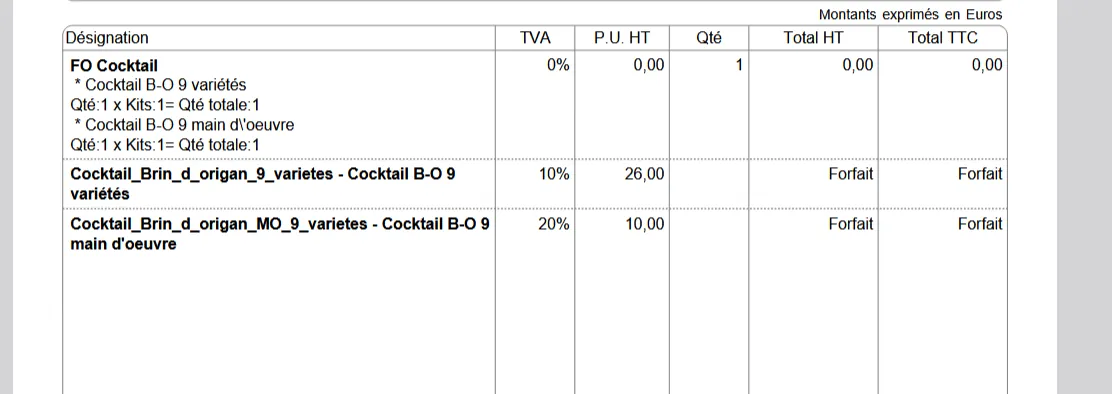
| Single-line insertion | Insert a pack as a single line into proposals, orders and invoices | More readable commercial documents |
| Synchronized price | Optional synchronization of line price with the sum of components | Easier and more consistent pricing |
| Product card | Tab on the product card to view linked packs | Better understanding of dependencies |
| Dolibarr menus | Menus consistent with the Dolibarr interface | Natural integration into the ERP |
| Role-based rights | Access rights according to users | Control adapted to the organization |
| Stock impact | Configuration option depending on the expected behavior | Better adaptation to internal rules |
Possible use cases
| Use case | Example | Goal |
|---|---|---|
| Product kit | Hardware pack + accessories | Sell a complete set in one line |
| Service offer | Installation + configuration + training | Present a complete service package clearly |
| Commercial package | Maintenance, support or subscription pack | Simplify the sale of recurring offers |
| Composite product | Main item + associated components | Avoid missing lines in proposals |
| Mixed offer | Product + associated service | Group equipment and service in a clear proposal |
| Sales catalog | Ready-to-use packs | Speed up commercial document entry |
General workflow
-
Create a pack
The user creates a pack with an identifiable reference, usually prefixed with “PK-”. -
Add components
The pack is made of products and/or services with quantities, prices and VAT. -
Configure pricing behavior
Depending on the selected setup, the pack price can be entered manually or synchronized with the sum of components. -
Insert into a commercial document
The pack can be added as a single line into a proposal, order or invoice. -
Track product links
From the product card, a tab allows users to view linked packs.
Component management
| Item | Description | Use |
|---|---|---|
| Product | Product-type component | Build a hardware or item pack |
| Service | Service-type component | Add a service to the pack |
| Quantity | Number of component units | Correctly calculate the composition |
| Price | Component price | Allow pack price calculation or tracking |
| VAT | Tax rate applied to the component | Keep fiscal consistency |
| Pack relationship | Link between pack and components | Better understand the offer structure |
Use in Dolibarr documents
| Document | Use | Benefit |
|---|---|---|
| Proposals | Insert a pack into a commercial proposal | Clearer presentation for the customer |
| Orders | Reuse the pack in a customer order | Continuity in the sales process |
| Invoices | Insert or reuse the pack in an invoice | Faster and more readable invoicing |
The pack is inserted as a single line to simplify document reading. Components remain managed in the pack structure depending on module configuration.
Configuration
| Setting | Description | Use |
|---|---|---|
| Price mode | Choice of pack pricing behavior | Define whether the price is manual or synchronized |
| Price synchronization | Possible calculation from the sum of components | Limit pricing discrepancies |
| Stock impact | Choice of stock behavior depending on configuration | Adapt the module to internal management rules |
| Menus | Access through Products/Services > Packs | Create and view packs |
| Rights | Role-based rights | Limit or authorize actions depending on users |
Installation
| Step | Action | Details |
|---|---|---|
| 1 | Unzip the archive | Unzip the module into htdocs/custom/packproductsservices |
| 2 | Enable the module | Go to Home > Setup > Modules/Applications |
| 3 | Select the module | Enable PackProductsServices |
| 4 | SQL installation | Run SQL installation if proposed |
| 5 | Configure | Choose price mode and stock impact in the module configuration |
Module access
| Menu | Action | Goal |
|---|---|---|
| Products / Services > Packs | Create a pack | Prepare a bundled offer |
| Products / Services > Packs | List packs | Find and manage existing packs |
| Product card | Linked packs tab | See in which packs a product is used |
| Module configuration | Price mode and stock impact | Adapt behavior to company needs |
Business benefits
| Benefit | Explanation | Impact |
|---|---|---|
| Time saving | Packs avoid re-entering multiple lines in each document | Faster creation of proposals, orders and invoices |
| Better readability | The customer sees a bundled offer in one line | Clearer commercial documents |
| Pricing consistency | The price can follow the sum of components | Fewer calculation errors |
| Standardization | Recurring offers are prepared as packs | More consistent sales process |
| Product tracking | Linked packs are visible from the product card | Better catalog management |
Need a standalone module, a SaaS instance or a complete solution?
KSIDol can sell the module, host it inside a Dolibarr instance and extend everything with custom development, support, document customization and email or SMS workflows.
