
Tailored development
We can adapt a module, a screen or a workflow to your business needs to avoid unnecessary custom work and focus on useful evolution for the company.
The catalogue lists the KSIDol modules available for purchase. Each product page states the features, compatibility, price, documentation and optional installation services.
Pre-sales assistance is available. Installation, configuration, customization and technical support are provided separately unless they are expressly included in the offer.
We can adapt a module, a screen or a workflow to your business needs to avoid unnecessary custom work and focus on useful evolution for the company.
The catalog covers concrete Dolibarr needs: interface, documents, communication, imports, after-sales, workshop and business usage.
An existing module can be adapted to the way you work through settings or specific development.
Pre-sales assistance is available. Installation, configuration, customization and technical support are provided separately unless they are expressly included in the offer.
These modules extend Dolibarr for operational workflows: workshop, after-sales service, reservations, documents, signatures and customer follow-up.
Vehicles, licence plates, repair orders, workshop planning, photos, quotations, invoices and signatures.
Service cases, equipment, interventions, time spent, linked documents and customer history.
Reservations, resources, availability, public website, iCal and commercial follow-up.
Business modules must remain consistent with Dolibarr commercial documents. KSIDol also supports e-invoicing, archiving, PDF, signature links and document workflows.
In addition to signature, QR Code, Garage, After-Sales and Booking modules, KSIDol offers an accessory kit for a signature terminal, supplied unassembled and intended to be assembled by the customer with compatible hardware.
Unassembled accessory kit intended to support the signing of quotations, repair orders, interventions and customer documents depending on the installed module.
Each page presents the Dolibarr module, customer use case, compatibility, price and deployment scope with KSIDol.
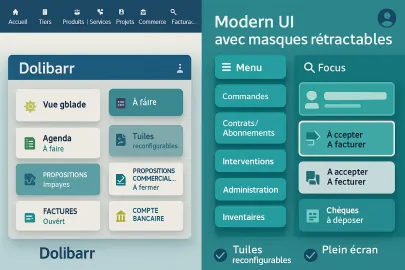
Modern Template adds a full-screen shell on top of Dolibarr: compact toolbar, draggable tiles, synchronized sub-menus, smart search, and auto redirect after login. Uses Dolibarr native menus/permissions.
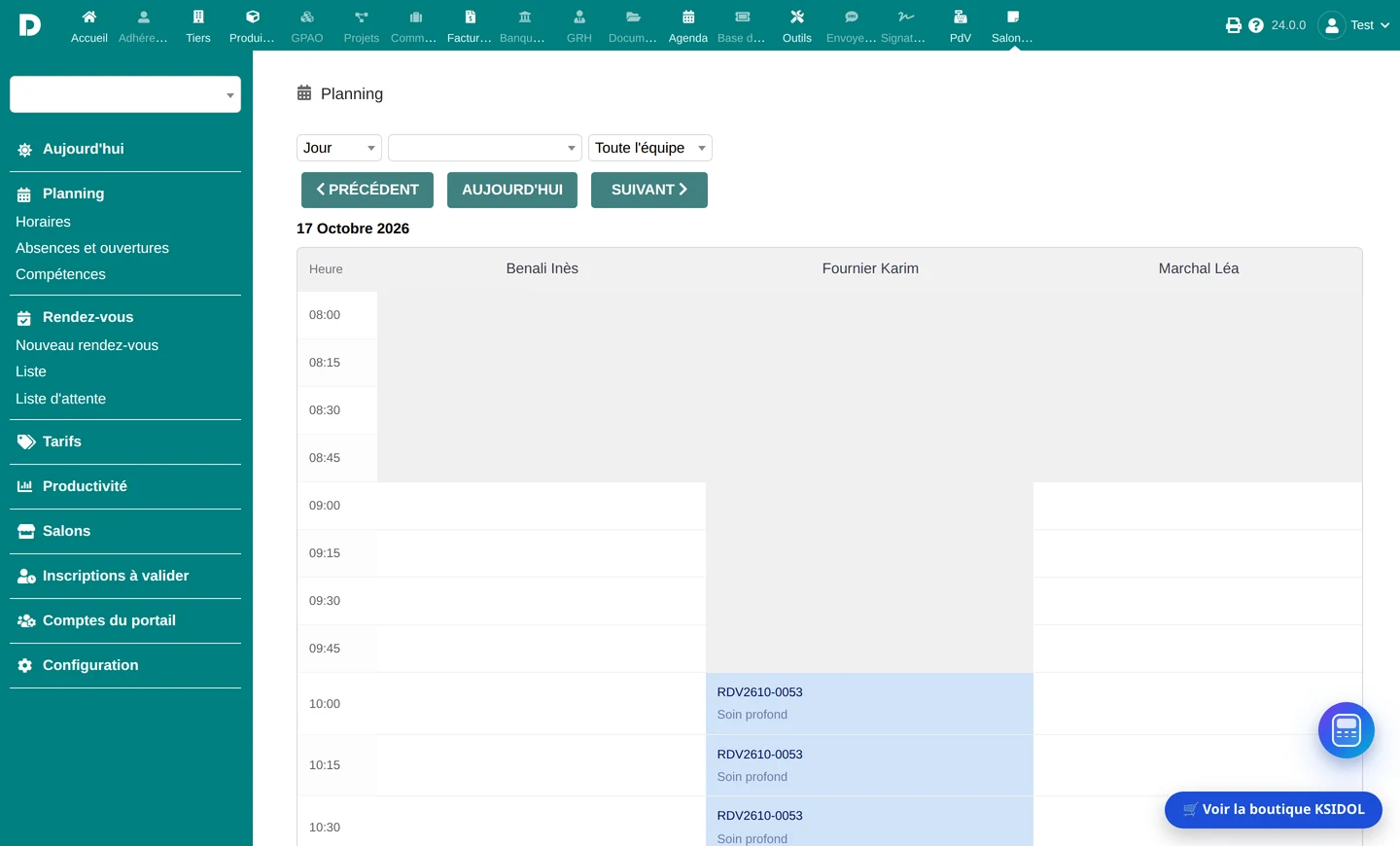
SalonManager is the hair salon management software for Dolibarr: a per-stylist schedule in fifteen-minute steps, true handling of colour processing time, online booking, colour record cards and patch tests, packages, gift cards, loyalty and commissions - all invoiced natively inside your ERP.
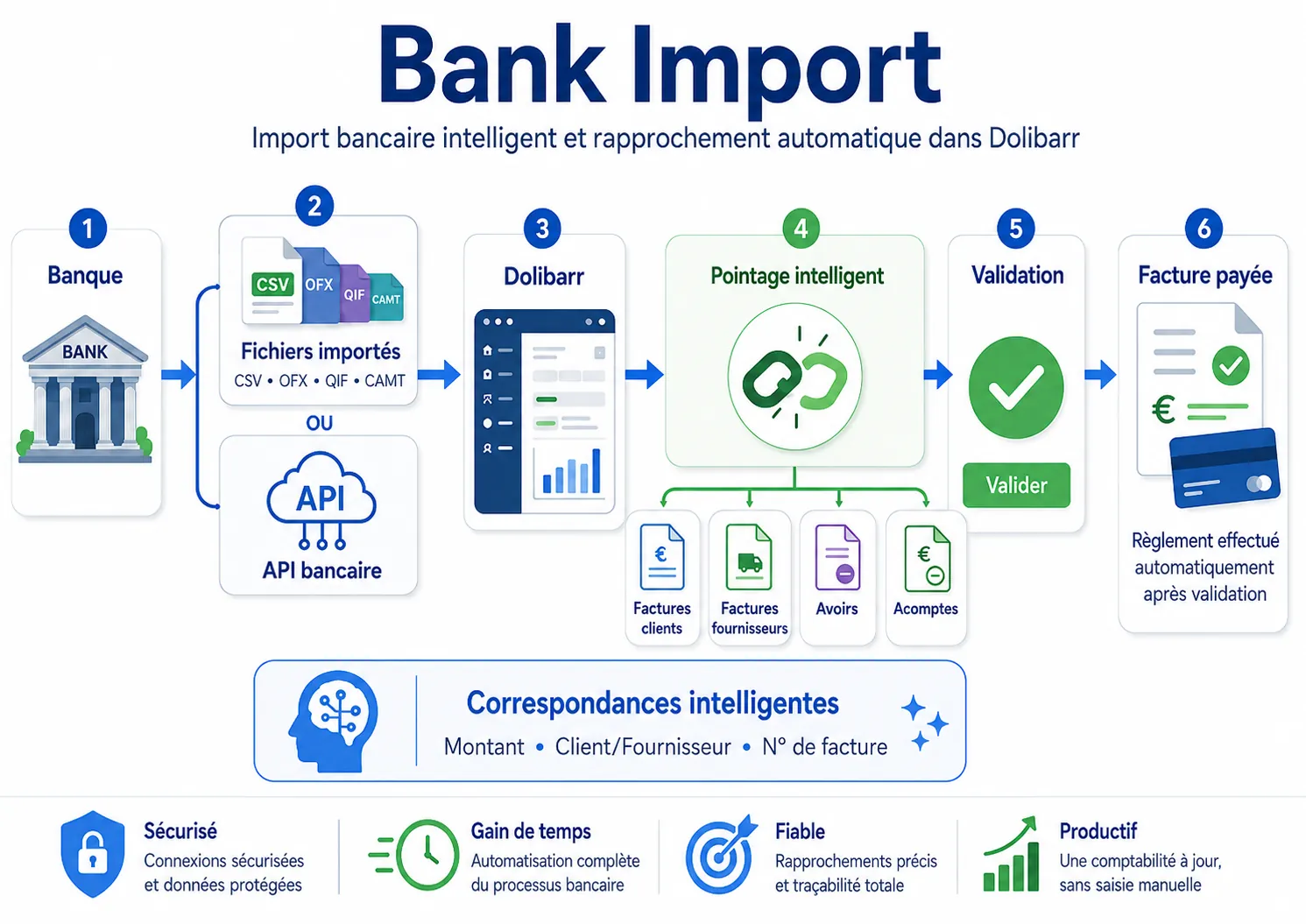
Dolibarr bank reconciliation module to import bank statements, suggest matches and create payments after human validation.
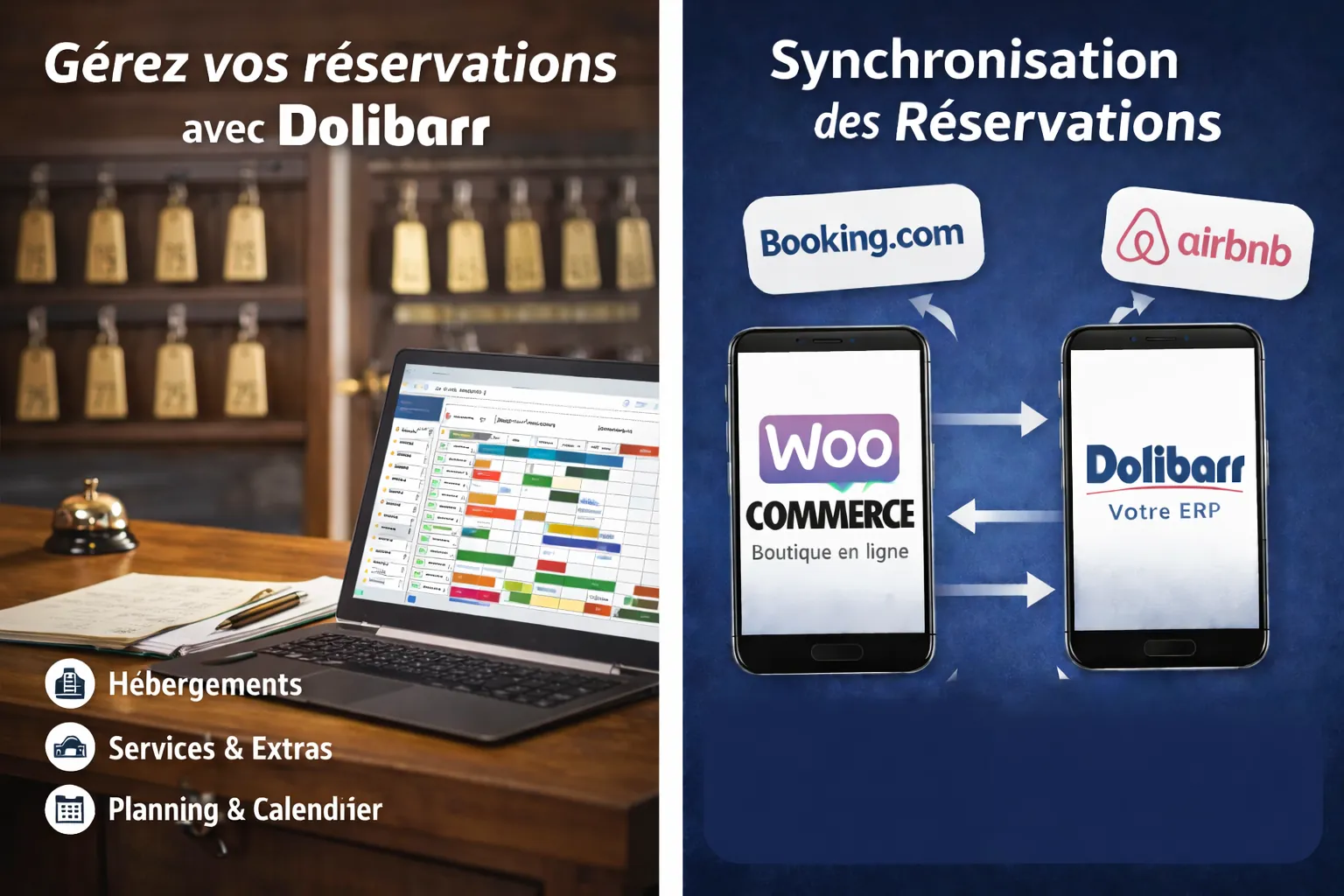
Dolibarr booking module for hotels, cottages, guest rooms and rentals with planning, availability, customers and invoicing in your ERP CRM.
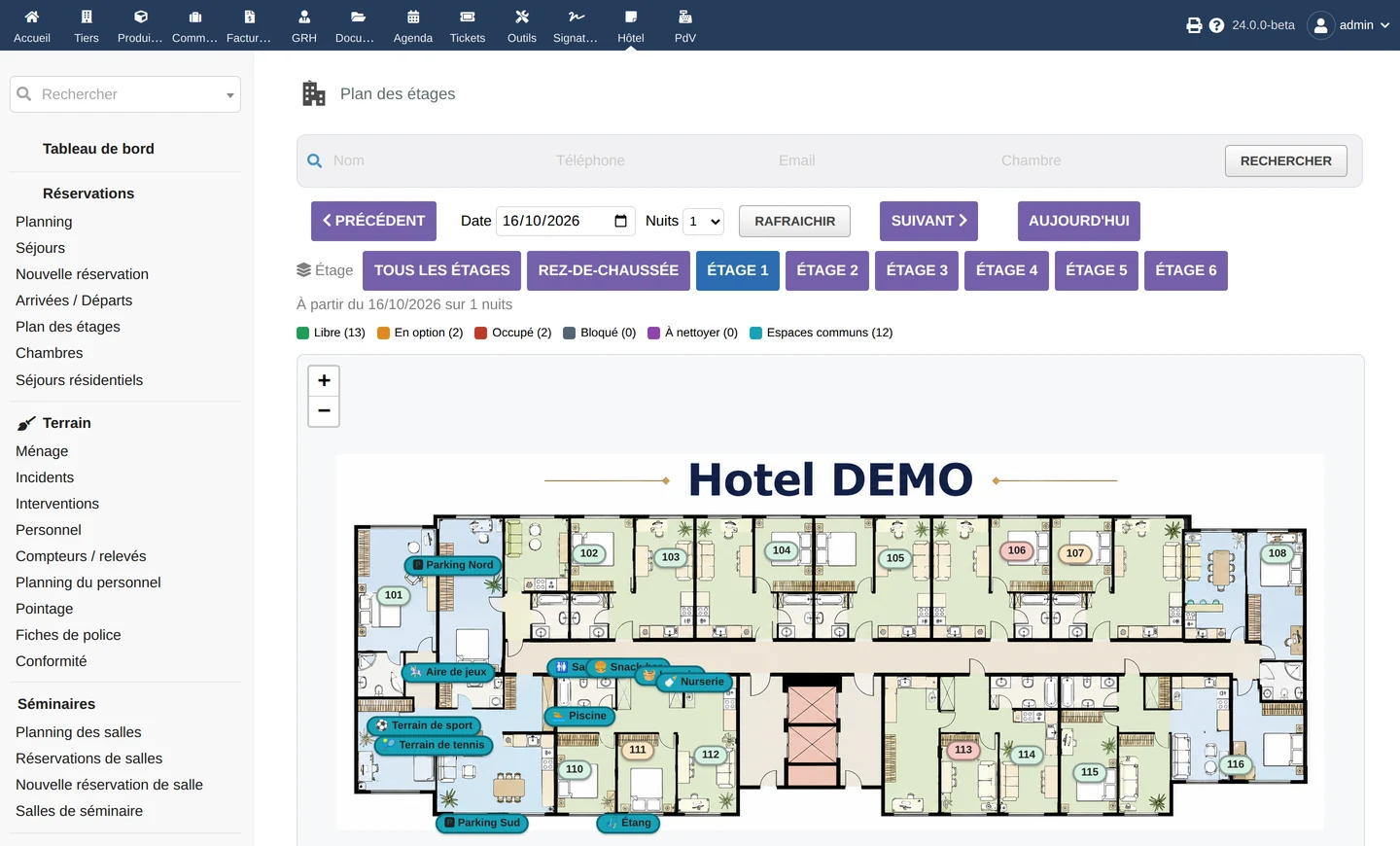
DoliHotel is the hotel management software (PMS) for Dolibarr: front-desk and online bookings, interactive floor plan, rooms and bedding, rate plans and board basis, meeting and conference rooms, French tourist tax, police forms and a compliance register, all billed natively inside your ERP.
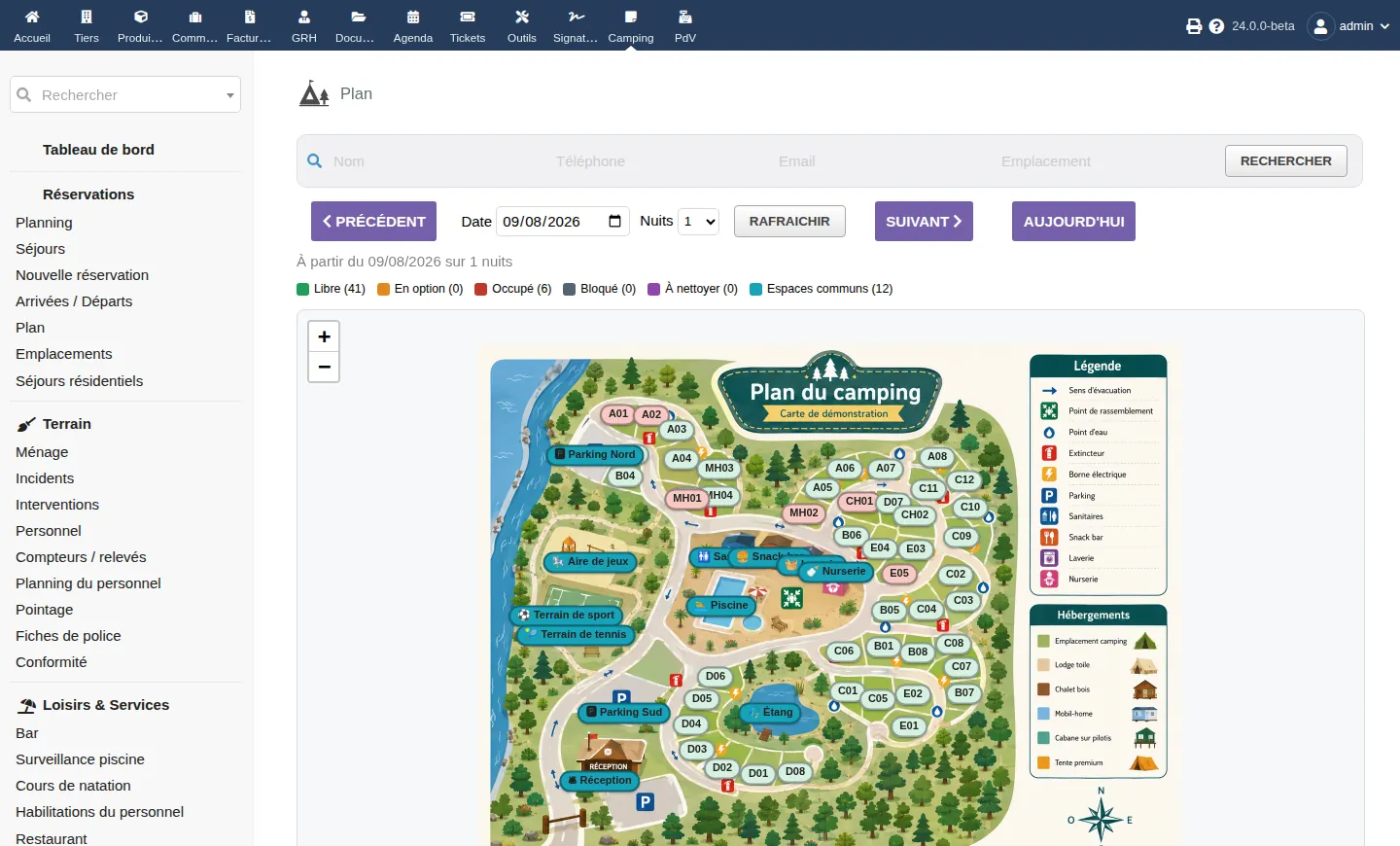
DoliCamping is the campsite and holiday-park (outdoor hospitality) management software for Dolibarr: bookings and interactive map, pricing and tourist tax, native billing and e-invoicing, bar and restaurant tills, pool, activities and staff — 100% Dolibarr, no per-pitch subscription.

Dolibarr garage module for car and motorcycle workshops with vehicles, repair orders, interventions, quotes, invoices and customer history.
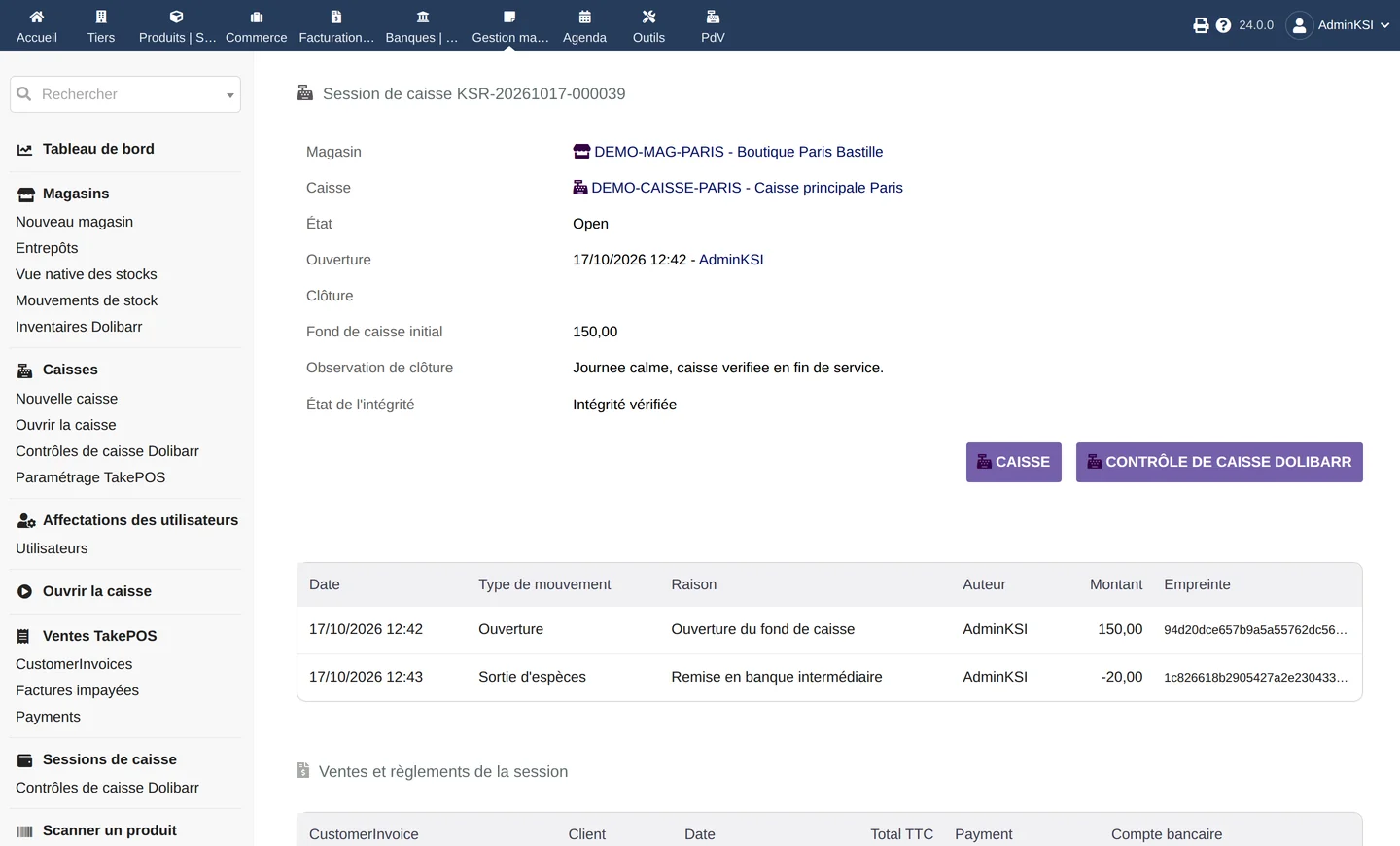
KSIRetail is the retail management software for Dolibarr: several stores, registers bound to TakePOS in scan-first mode, cash sessions and sealed closings, barcodes, handheld stock counts, inter-store transfers, scanned supplier receipts, replenishment, returns, loyalty and promotions, on your native objects.
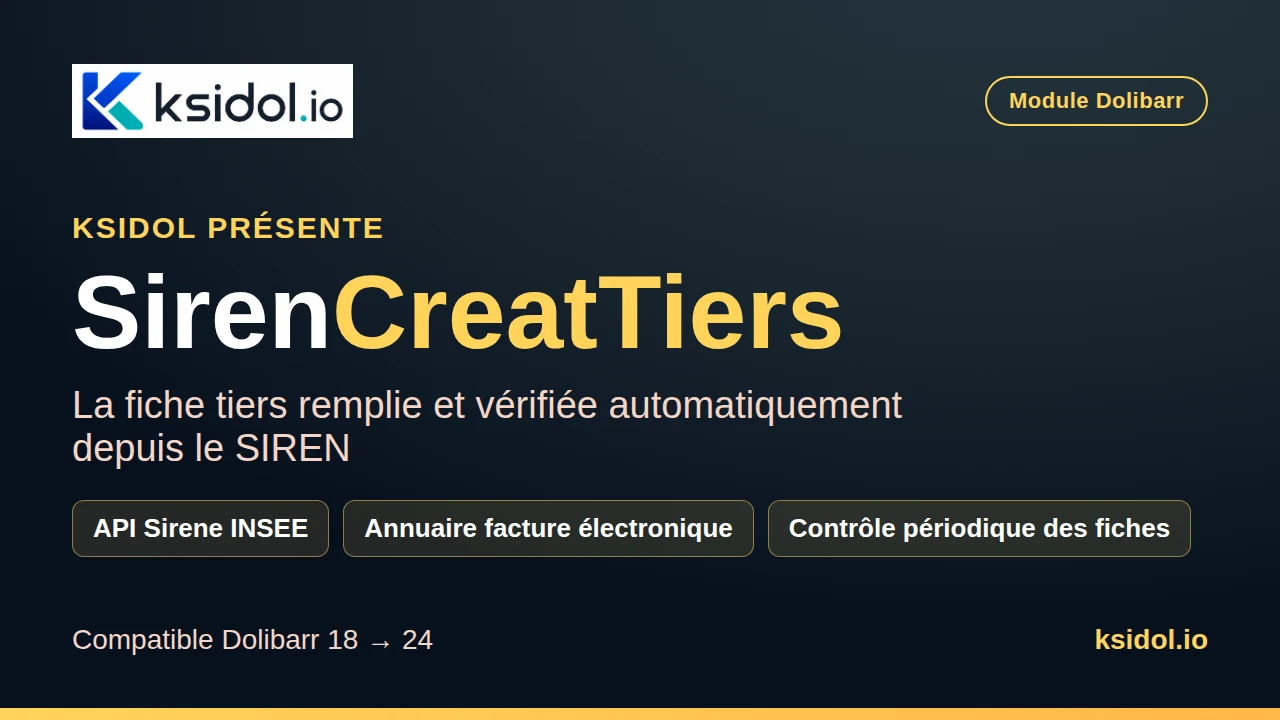
SirenCreatTiers fills the Dolibarr third-party card from the SIREN number: company name, head-office address, SIRET, APE code, legal form and intra-community VAT number come straight from the official INSEE Sirene API. The module also checks whether the company can receive electronic invoices (Peppol directory and French approved platforms) and periodically verifies that your cards still match the Sirene register.

Dolibarr after-sales service module to manage repairs, interventions, warranties, signatures, documents and customer tracking in your ERP CRM.
Your field service jobs, from planning to invoice, inside Dolibarr.
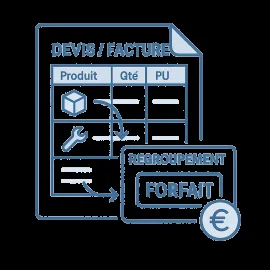
Product & Service Packs for Dolibarr
Dolibarr accountant portal module (ComptaPortal) giving your accountant authenticated, traced access to sales and purchase invoices: search, download, ZIP export, e-mail and API.

Reach Dolibarr's document library from mobile via a QR code, and add documents straight from the field.
Track phone-support time per customer (headset button) and bill it in Dolibarr, monthly allowance included.

Dolibarr SMS module with OVH to send notifications and links for invoices, quotes, orders and documents from your ERP CRM.
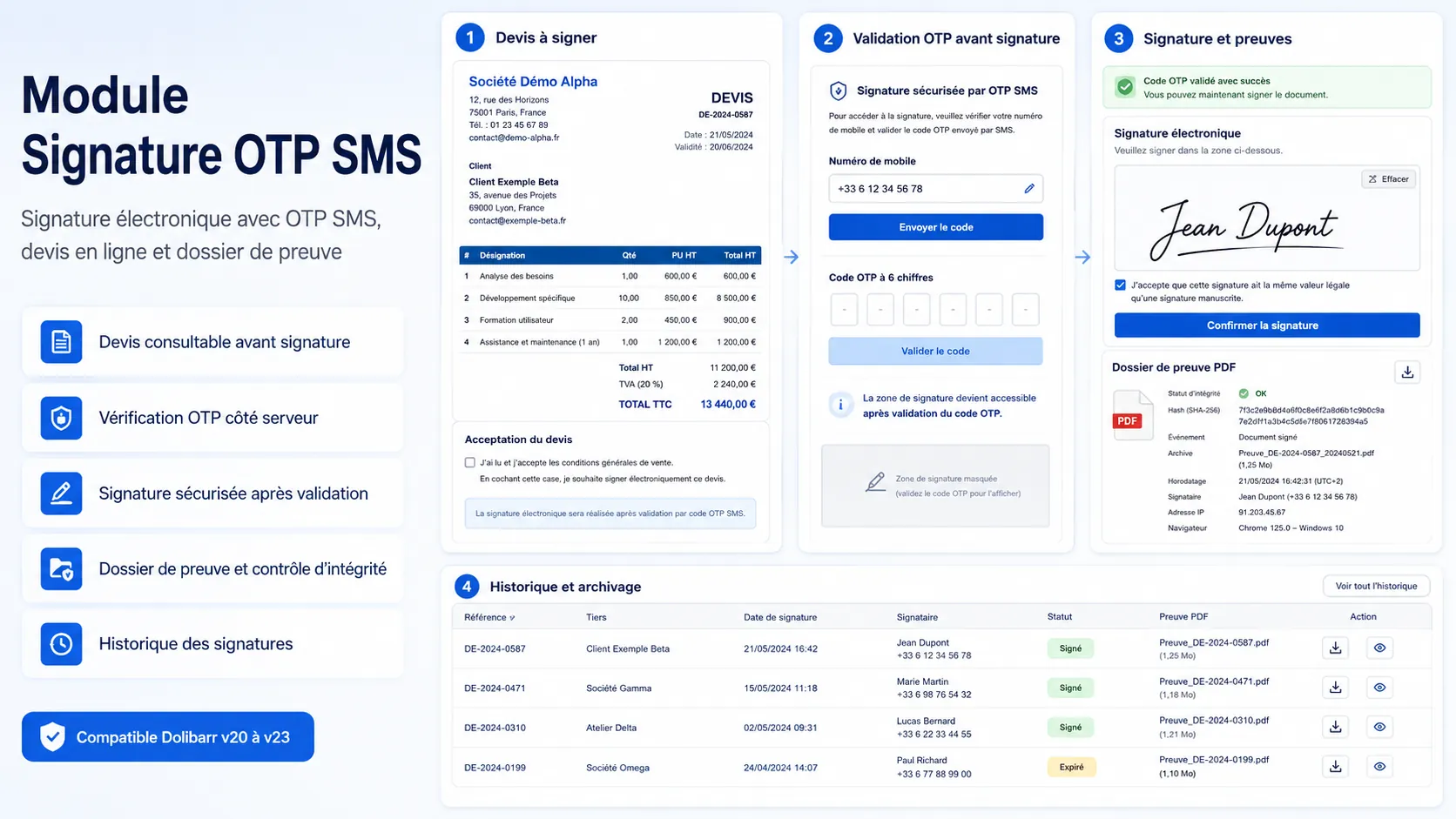
Dolibarr electronic signature module with SMS OTP, evidence file, audit log, SHA-256 fingerprints and online customer validation.
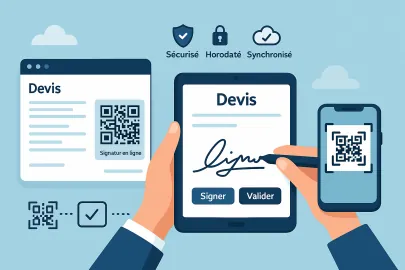
Adds a QR Code pointing to the electronic signature link on proposals (PDF).
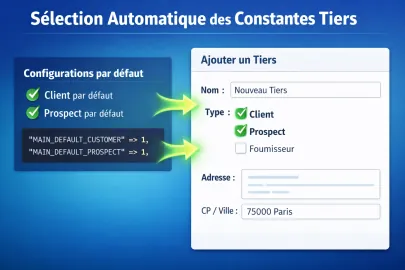
SelectConstTiers is a Dolibarr module that allows you to automatically set default values on third-party records when creating or editing a third party.
Attach files and links to your Dolibarr records with a simple drag and drop.
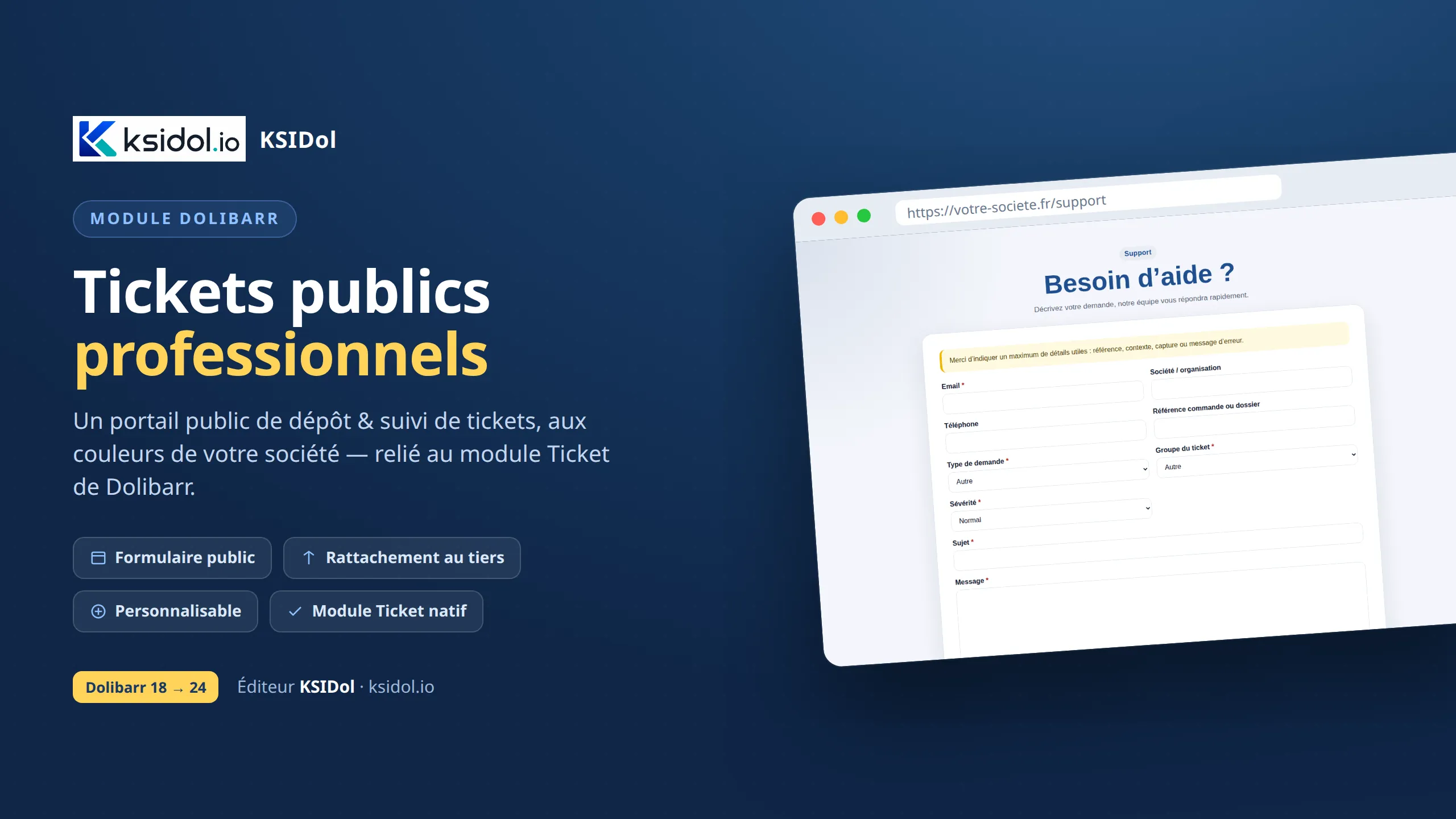
A public portal for customers to submit and track tickets, on-brand and automatically linked to the right third party in Dolibarr.
A floating calculator, always one click away on every Dolibarr page.
Get your Dolibarr documents signed on a touch terminal, at the counter or in the field.
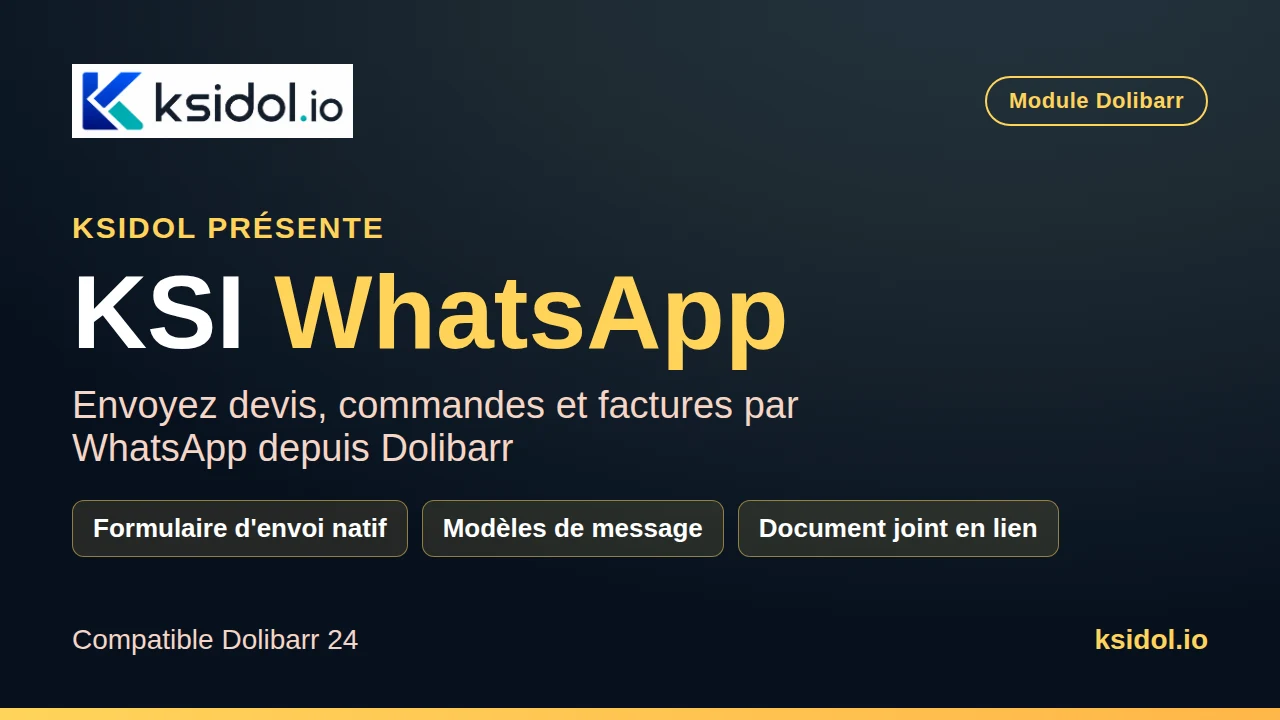
KSI WhatsApp adds a "Send by WhatsApp" button on Dolibarr proposal, order and invoice cards. It opens the native send-by-mail form — recipients, message templates, attachments — then turns the composed message into a WhatsApp conversation ready to send to the customer's number, with a download link to the document.
The most useful questions before buying a module, asking for a demo or preparing an installation on your Dolibarr.
Each page explains the use case, compatibility and business scope of the module. KSIDol can also help you validate quickly whether it matches your real workflow.
Yes. The module can be delivered on its own, installed on a KSIDol instance or integrated into an existing Dolibarr with setup assistance.
Yes. Many projects start with the standard module and then evolve with visual adjustments, automations, business fields or more specific development.
Yes. Depending on the module, you can read the documentation, view a demo and talk with KSIDol before confirming the purchase scope.
KSIDol can sell the module, host it inside a Dolibarr instance and extend everything with custom development, support, document customization and email or SMS workflows.
Pre-sales assistance is available. Installation, configuration, customization and technical support are provided separately unless they are expressly included in the offer.
